
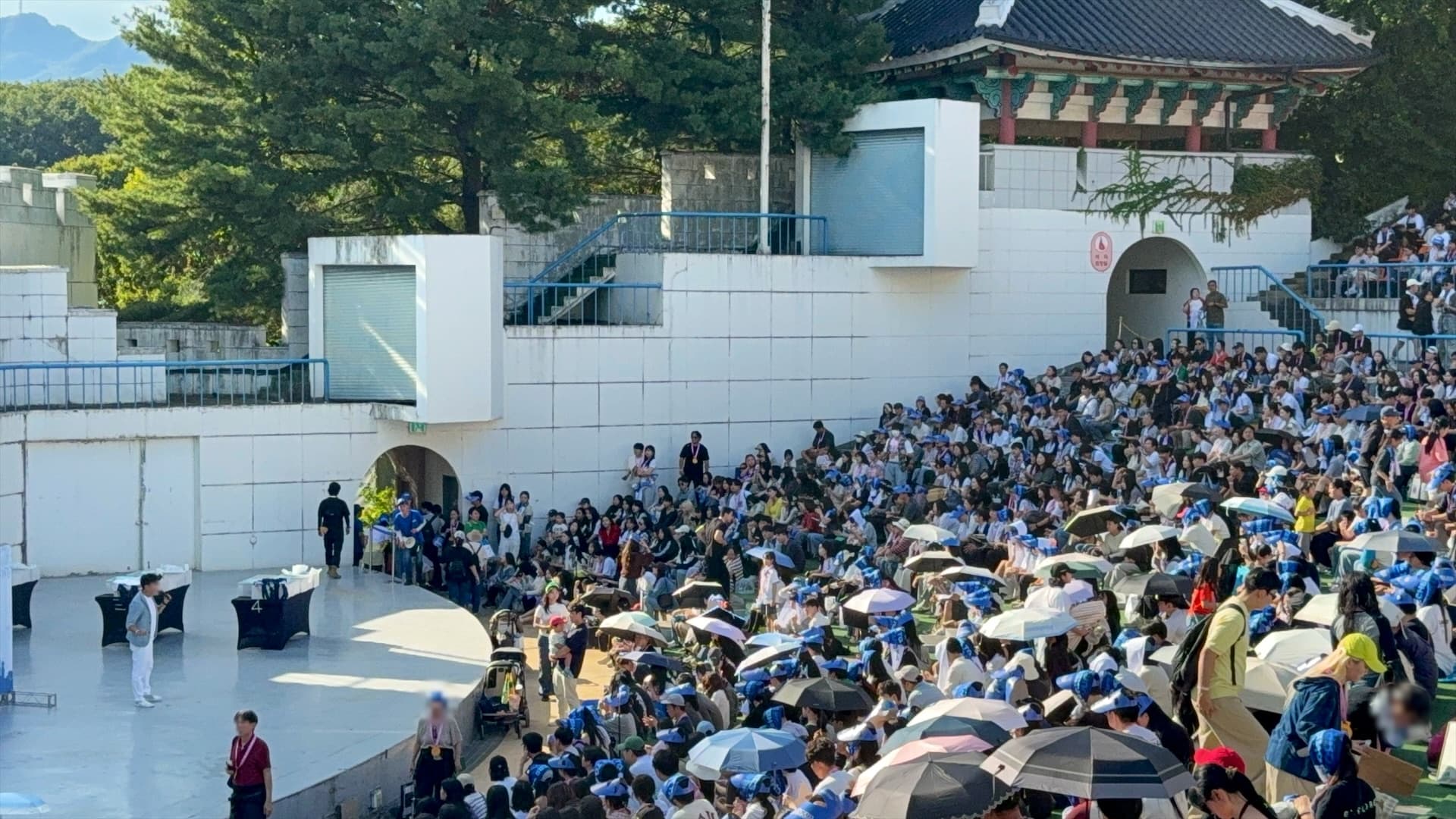
The entry queue is the most visible failure at an event. However good the program is, someone who stood for thirty minutes remembers the thirty minutes. And queues do not appear because there are many people; they appear because everyone was given the same time.
Why queues form
Print '16:00 entry' and 3,000 people arrive at 15:00. Anyone who wants a good seat arrives earlier still. The door has a fixed throughput, so everyone else becomes the line. Your run sheet says one thing; the guest experiences 'one hour of waiting, then a show'.
- Guests — spend program time standing in line. It is the most common complaint in post-event surveys.
- Organizers — burn staff on crowd control and start late.
- Safety — a dense crowd forms at one point, which matters more the larger the event gets.
Should guests get a queue number or a group?
Someone holding number 1,842 cannot work out when their turn comes. A letter or a colour is understood instantly, and 'group D, please enter' is far easier to announce than 'numbers in the 1800s'.
- Show guests only the group. Keep the internal sequence on the operator screen.
- Size groups by what the door can process at once. 200–250 people is a realistic unit.
- Fill groups automatically in registration order. Manual assignment always breaks on the day.
- Leave the last group open beyond its target. Blocking registration outright floods the info desk.
What belongs on the registration screen?
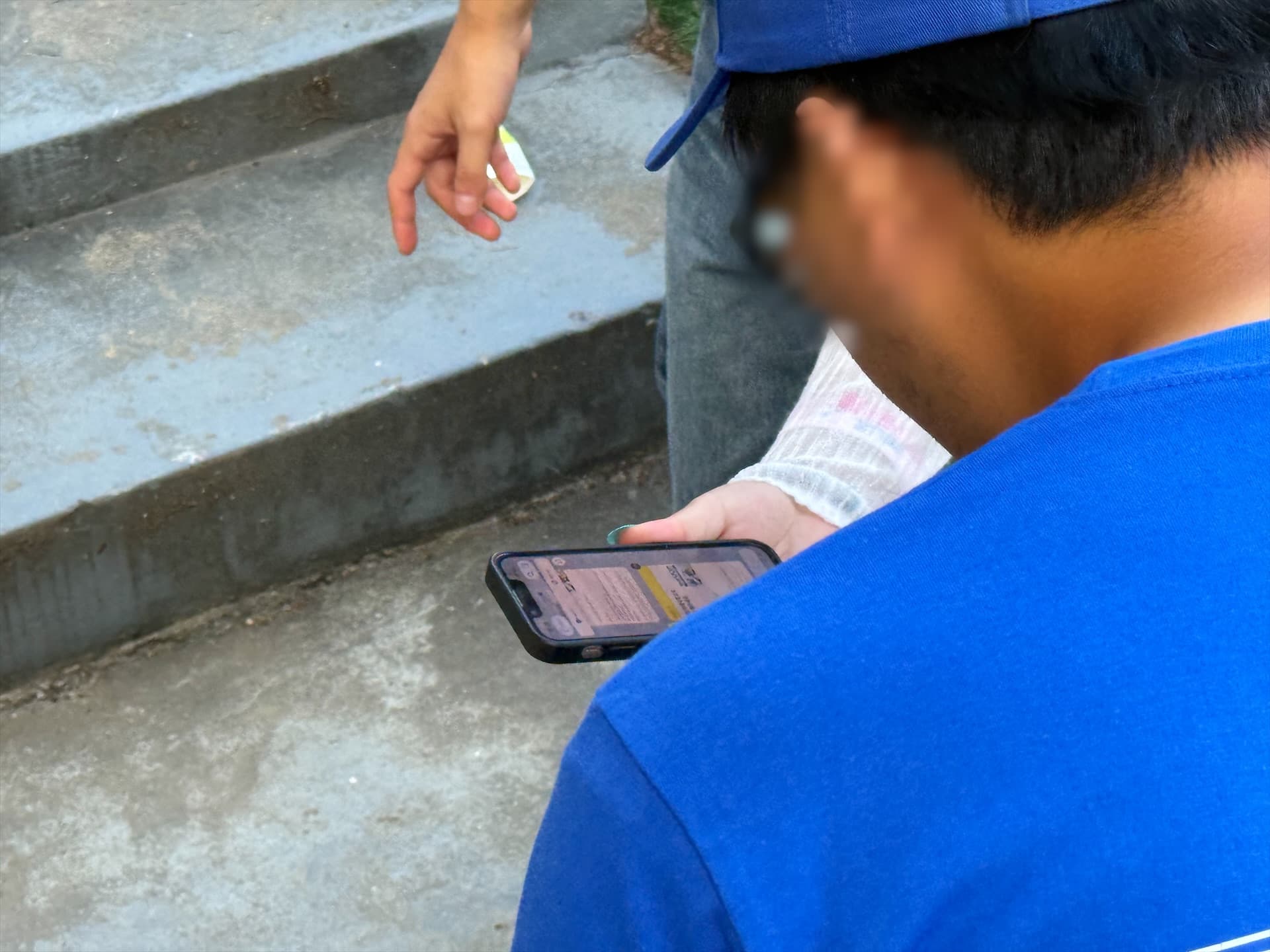
People scanning a QR code at a venue are standing up, holding a drink and on a weak connection. Ask them to sign up or install an app and registration rates drop, and whoever fails to register ends up in a queue.
- 1Ask for the phone number and nothing else. Name, headcount and affiliation are not needed to run entry.
- 2Collect only the consent you actually need, with the full text available.
- 3Show the entered number back before submitting. One typo means one person never gets called.
- 4A repeat registration should return the existing assignment, not create a new place in line.
- 5On the completion screen, show the group and the meeting point large. Guests will reopen this screen later.
How many calls to send
One is not enough and five is noise. Three rounds is what holds up in practice.
- 1First notice — entry time and gathering deadline, sent early enough to cover the walk.
- 2Second notice — sent only when too few people have arrived. A spare card, not a default.
- 3Final notice — 'entry has started', to pull in the last arrivals.
What matters most is being able to change the announced times later. Shows run late almost every time. If the wording is hardcoded, nobody can fix it on the floor, so entry time and gathering deadline belong in an input field on the operator screen.
What the operator screen must have
Below is the screen actually used to run entry for the second half of Woori MomoCon 2026: group status, the send composer and a preview, all in one view.
Group-by-group call operation
These are the screens used at Woori MomoCon part two. Switch tabs to compare the guest and operator views.
This is a public recreation. Guest details and registration and delivery figures are illustrative examples of the interface, not actual event results or processing-performance measurements. This demo does not register guests or send messages.
입장 안내
모음 1 안내 시간표
조별 안내 현황
| 입장 조 | 등록 / 기준 | 1차 | 2차 | 3차 |
|---|---|---|---|---|
| A조 | 250 / 250 | 성공 250추가 신청 시 안내 | 시작 전 | 시작 전 |
| B조 | 250 / 250 | 성공 250추가 신청 시 안내 | 시작 전 | 시작 전 |
| C조 | 250 / 250 | 성공 250추가 신청 시 안내 | 시작 전 | 시작 전 |
| D조 | 250 / 250 | 성공 249실패 1 | 시작 전 | 시작 전 |
| E조 | 250 / 250 | 성공 250추가 신청 시 안내 | 시작 전 | 시작 전 |
| F조 | 250 / 250 | 성공 250추가 신청 시 안내 | 시작 전 | 시작 전 |
| G조 | 250 / 250 | 성공 250추가 신청 시 안내 | 시작 전 | 시작 전 |
| H조 | 250 / 250 | 성공 249실패 1 | 시작 전 | 시작 전 |
| I조 | 250 / 250 | 성공 250추가 신청 시 안내 | 시작 전 | 시작 전 |
| J조 | 250 / 250 | 성공 250추가 신청 시 안내 | 시작 전 | 시작 전 |
| K조 | 250 / 250 | 성공 250추가 신청 시 안내 | 시작 전 | 시작 전 |
| L조 | 110 / 250 | 성공 109실패 1 | 시작 전 | 시작 전 |
모음 1 · A~L
기준 시각 15:30

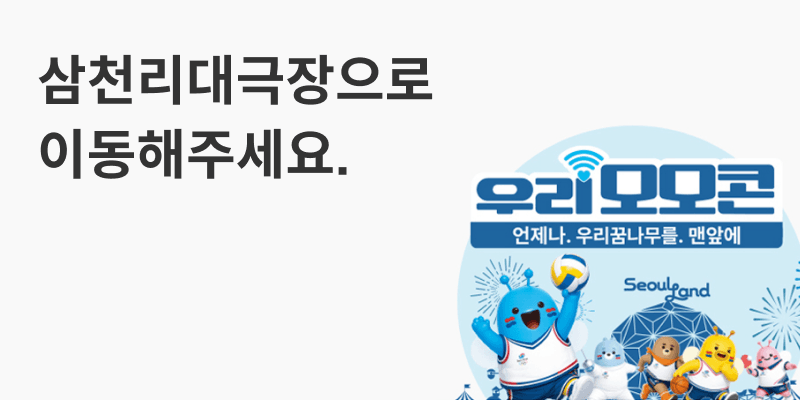
입장 대기 안내
[우리모모콘 입장 대기 안내] 그룹 : A조 - 16시부터 입장 시작 됩니다. - 2부 입장을 위해 15시50분전까지 삼천리 대극장으로 이동해주세요. - 삼천리 대극장에서 알파벳 그룹별로 순차 입장이 진행됩니다.
발송 중지 중에는 대기열에 보관해요. 접수된 메시지는 중지할 수 없어요.
The interface is exactly what ran on the day; guest details and figures are replaced with public-safe mock data.
- Headcount and per-round results by group — what was sent to whom and what failed, on a single row.
- Preview before sending — approve the exact wording. A wrong notice cannot be recalled.
- Separated delivery states — accepted, delivered, delivered by fallback, failed, still checking. 'Sent' is not enough.
- Failure-only reprocessing — resending everything creates duplicate notices.
- Intake and dispatch switches — pause new registrations, pause and resume sending.
- Remaining quota and balance — so a send never dies halfway through.
What do you do when messages fail?
Messages fail: blocked channels, wrong numbers, transient errors. Across thousands of sends, failures are guaranteed. The goal is not zero failures but a path that finds and fills them.
- Fall back to SMS. The guest does not care which channel carried it.
- Mark slow results as 'being checked' and do not resend before they resolve. Duplicates cause more confusion than delay.
- Keep a per-number delivery history, so 'I never got it' can be checked for that number alone.
- Keep signage and an info desk. That is the last route for anyone the message missed.
Why must online wording match on-site signage?
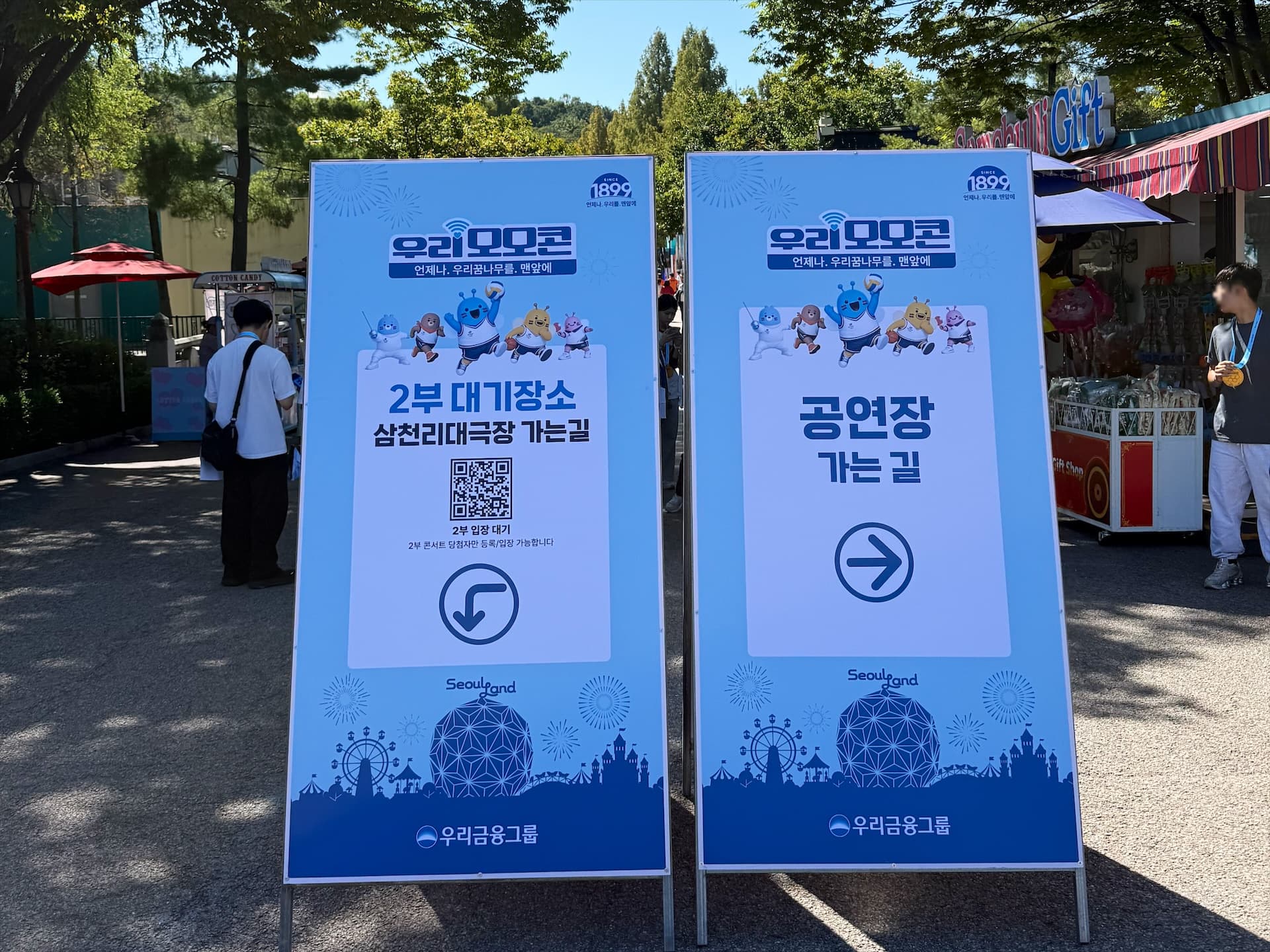
If the message says 'grand theater', the sign says 'venue' and staff say 'over by the stage', guests look for three places. Pick one place name and one time format and use them everywhere.
Preparation checklist
- 1Count the entry audience and how many the door handles in ten minutes. Group size comes from this.
- 2Check that groups × group size comfortably exceeds the audience, and decide which group absorbs the overflow.
- 3Confirm the messaging channel. Sender profiles and template approval take time, so start two to three weeks out.
- 4Verify the daily send quota and balance the day before. 3,000 guests times up to four messages is over ten thousand sends.
- 5State on the registration screen what you collect and when it is deleted, and collect consent.
- 6Name the person watching the screen and the person pressing send. A screen with nobody on it changes nothing.
- 7Place QR banners at several points along the route. A single location grows its own queue.
- 8Rehearse changing the announced times, assuming the day will run late.
FAQ
At what size does an entry waiting system become necessary?
When the audience is far larger than what the door can process at once. It clearly pays off above roughly a thousand guests entering a single space. For a few hundred guests, or with several entrances, QR check-in alone is enough.
How many people should one group hold?
Size it by what the door can process in about ten minutes; 200–250 is a common unit in practice. Groups that are too small multiply the number of calls, and groups that are too large recreate the queue.
Can we show guests a queue number instead?
You can, but we do not recommend it. Numbers push guests into calculating their own turn and they read badly over a PA system. Letters or colours are understood faster and announce more cleanly.
When should the call be sent?
Measure the walk from the venue to the entry point and send that far in advance; large outdoor sites can take fifteen minutes or more. Include a gathering deadline, otherwise people do not actually start moving.
What happens to guests whose message fails?
Always pair the main channel with an SMS fallback. Keep on-site signage and an info desk for whoever still misses it, and make per-number delivery history searchable on the operator screen.
How early should preparation start?
Two to three weeks before the event, because sender profiles and message template approval take time. Schedule the quota and balance check and the QR banner production in the same window.