
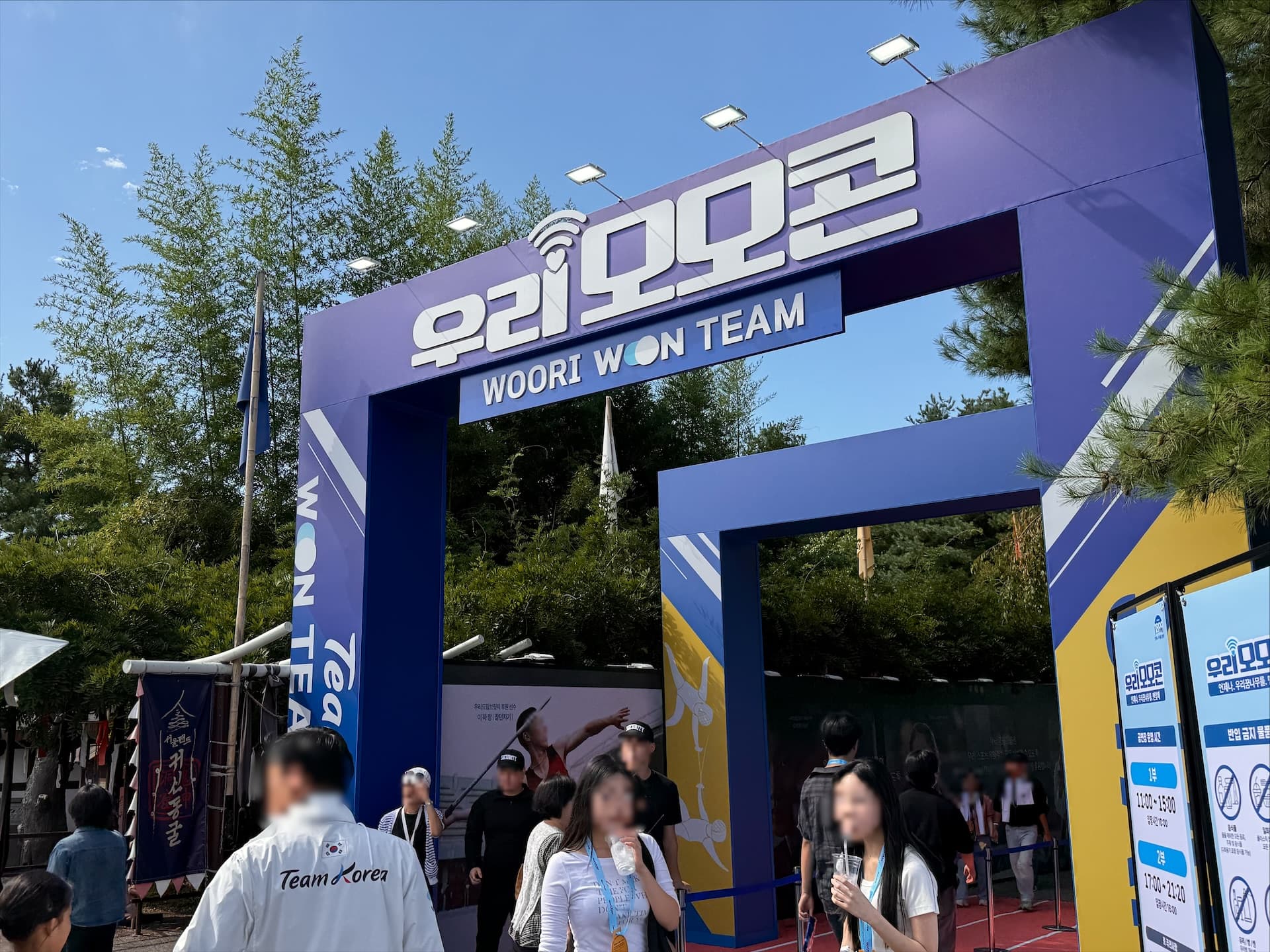
Guests spread across an amusement park needed to reach one theater before the show. For part two of Woori MomoCon 2026, a mobile waiting list let the team call guests to move in groups instead of gathering everyone outside the theater at once.
What happens when 3,000 guests enter one theater at once?
Woori MomoCon is an event where Woori Financial Group takes over the whole of Seoul Land. During the day programs run across the park; in the evening the second half opens at Samcheonri Grand Theater. The second half was the hard part: guests scattered across the park all converge on one door right before showtime.
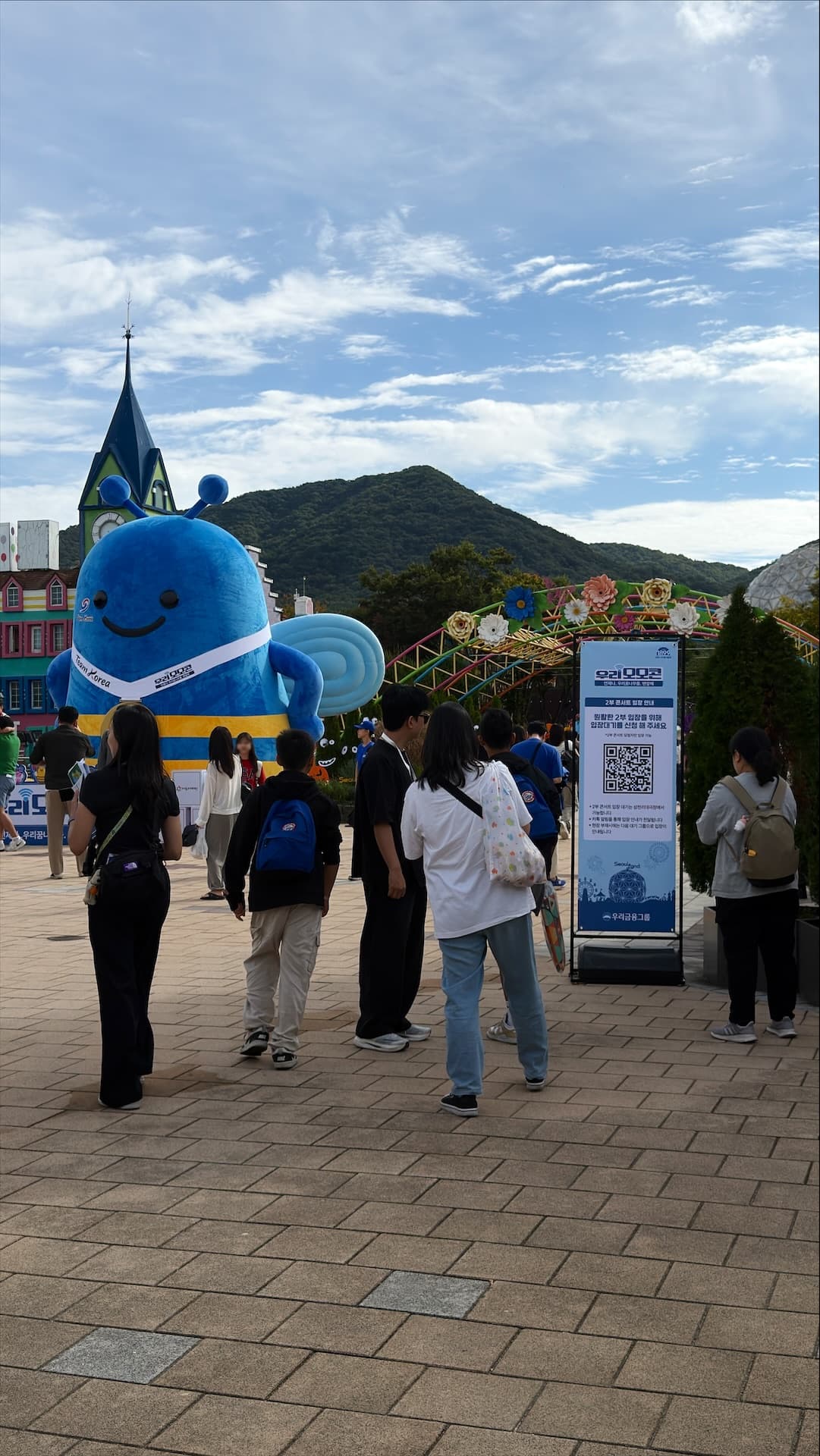
First come, first served means standing outside the theater an hour early — the single worst hour to lose at an amusement park. So instead of a queue, we built an order. Guests joined the waiting list from wherever they were, and walked to the theater when their turn was announced.
How did guests join the waiting list?
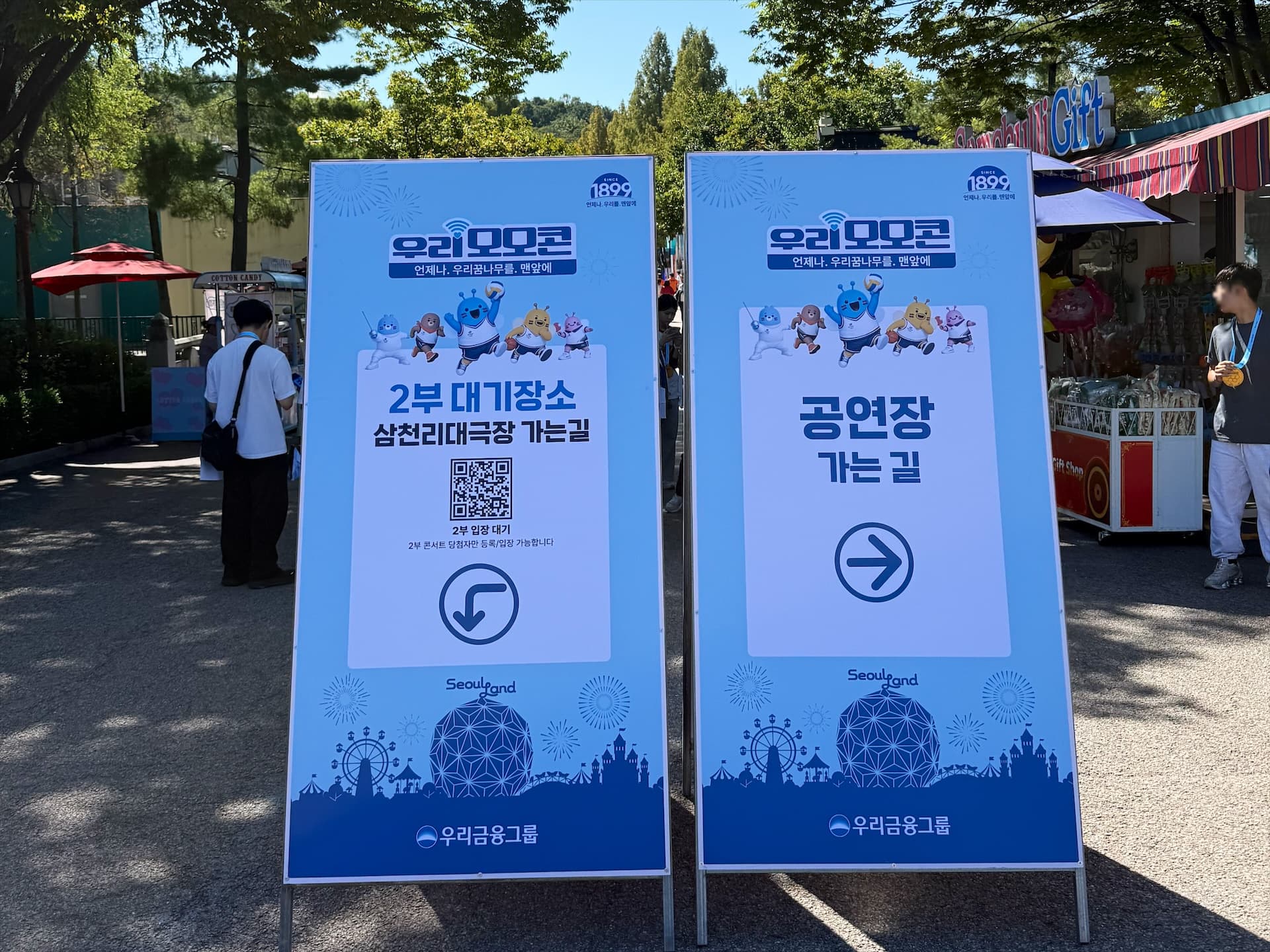
The guest screen stays deliberately plain. Scan the QR, type a phone number, tick one required consent, register. No app to install, no sign-up, no coming back to check a queue number.
- Registration — phone number and the privacy consent only. No headcount field: one registration is one person.
- Confirmation — pressing register shows the number back to the guest, because a typo means no call later.
- Completion — instead of a queue number, the guest sees a single letter such as `D`. Internal sequence numbers are never shown.
- Re-registration — the same number returns the existing assignment instead of creating a new place in line.
The system assigned groups in registration order. It was configured with 26 letters from A to Z, using 250 people per group for A–L and 215 for M–Z before moving to the next letter. These are allocation settings, not a claim that all 26 groups were filled. Nobody has to remember a number, only a letter.
Called by AlimTalk, with SMS as the fallback
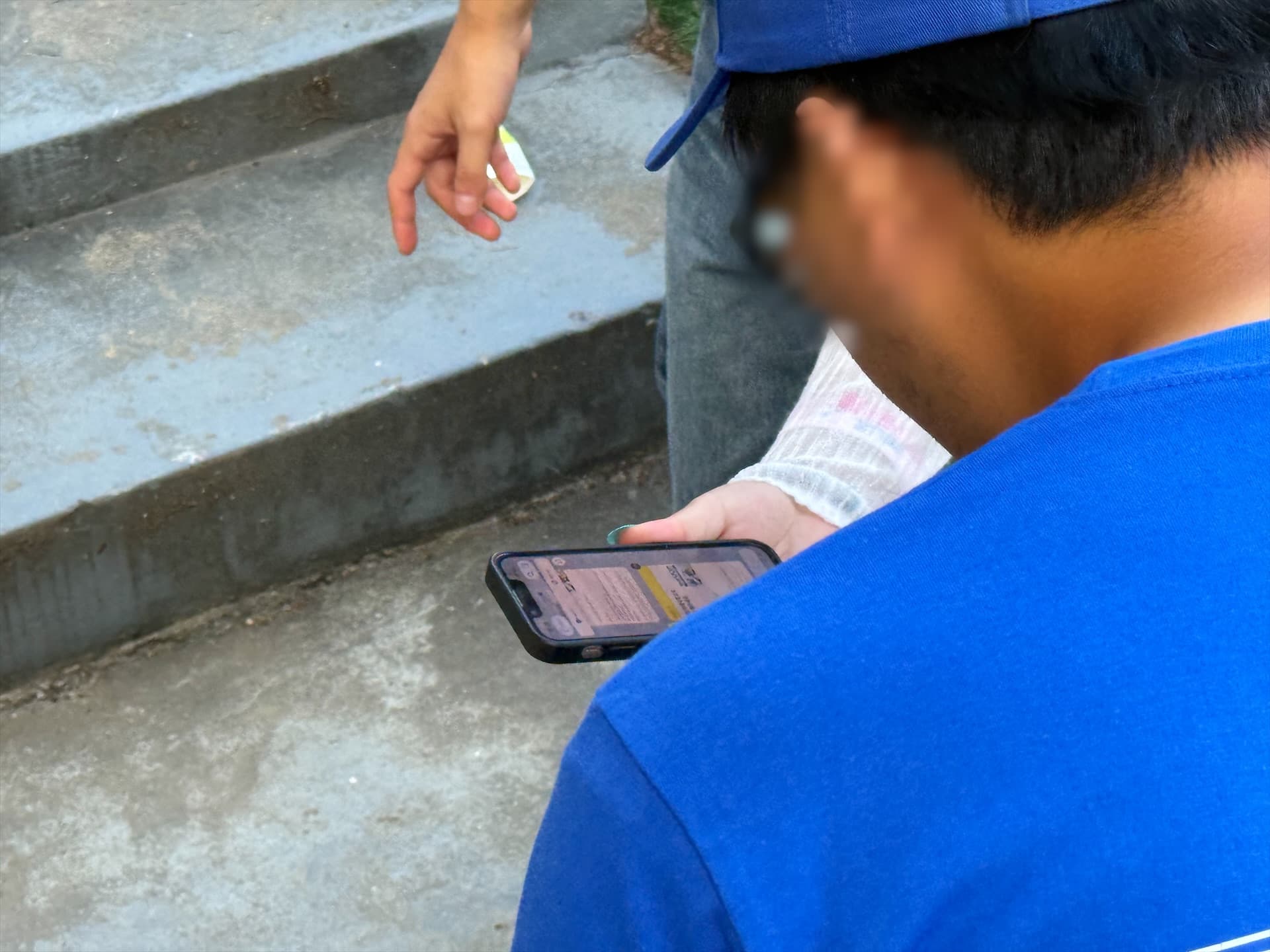
A confirmation message goes out as soon as a guest registers. Entry itself was announced in three rounds: a first gathering notice, an optional second reminder, and a final notice at the moment doors opened. The second round is sent only when the floor asks for it.
- 1First notice — the entry time and the gathering deadline, so people start walking to the theater.
- 2Second notice — sent again on request when too few guests have arrived.
- 3Final notice — 'entry has started', to pull in the last arrivals.
If messaging stalls, the whole plan stalls. Failed AlimTalk messages fall back to SMS, and every message is tracked on the operator screen as accepted, delivered, delivered by SMS, failed or still being checked. Failed messages can be reprocessed on their own.
How did operators run the entry?
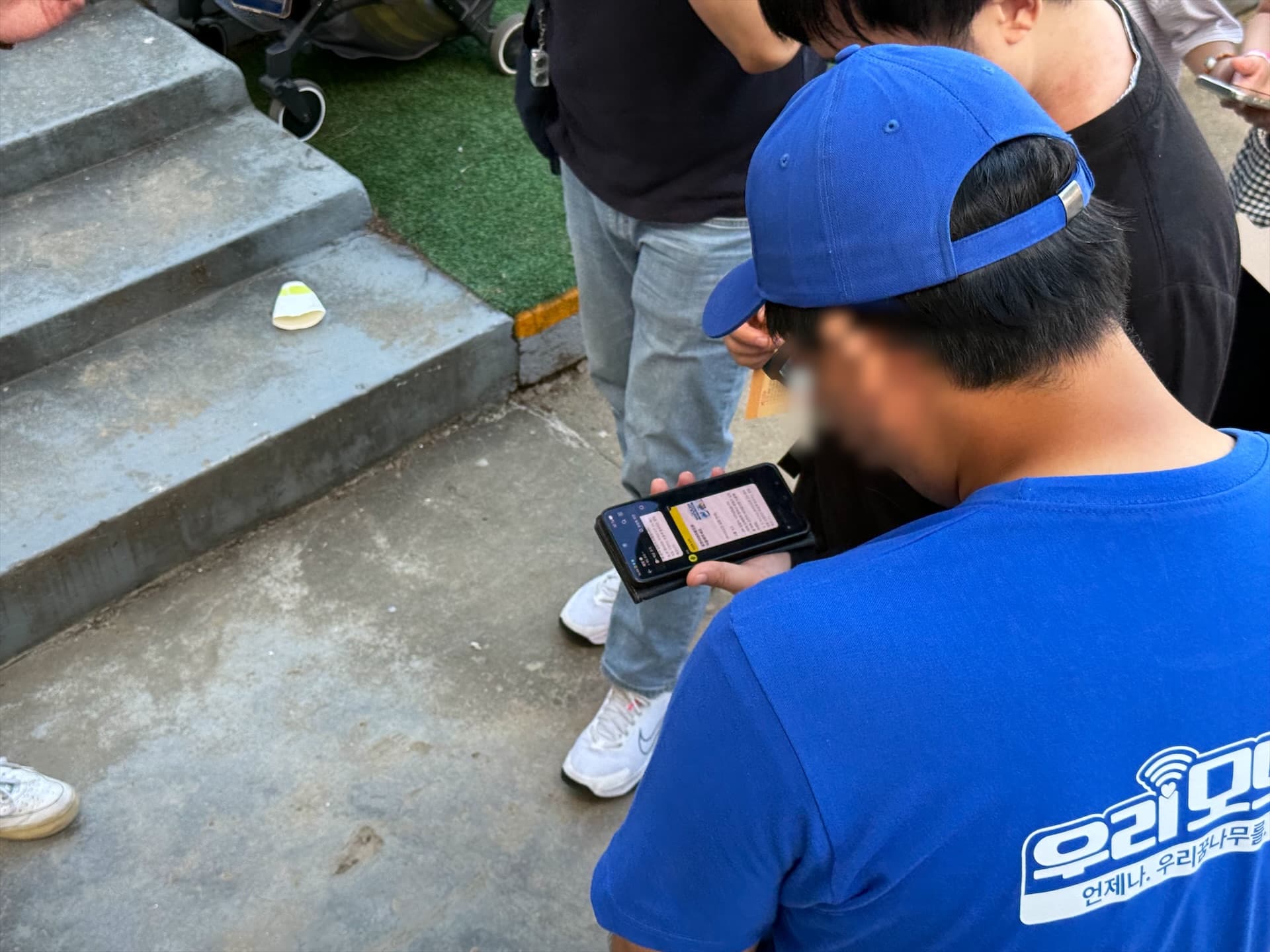
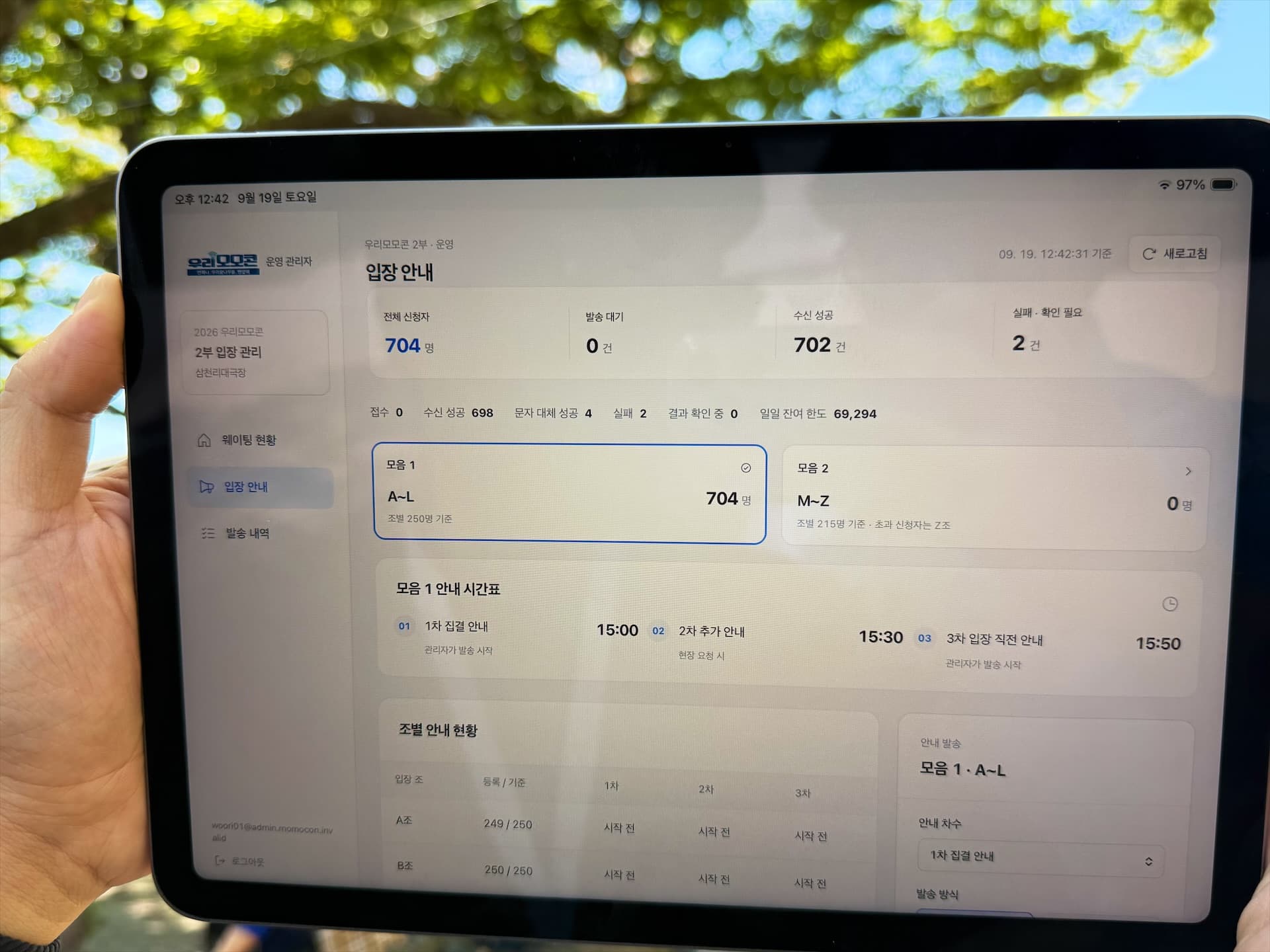
Operators work with three screens: waiting status, entry notice and delivery history. On the entry notice screen you pick a collection (A–L or M–Z), pick the round, pick the groups, and everyone in those groups is called.
- Group status — registered headcount and the result of rounds one to three on a single row. Rounds not yet sent read 'not started'.
- Preview before sending — the exact message is shown for confirmation first.
- Intake and dispatch switches — pause or close new registrations, pause or resume sending.
- Quota check — operators could review the remaining daily send quota and balance. Actual quota and balance figures are not shown in this public recreation.
- Privacy — numbers are masked by default and only authorised accounts can see them in full.
Woori MomoCon part two waiting operation
This is a public recreation. Switch tabs to explore the guest, message and operator interface layouts.
This is a public recreation. Guest details and registration and delivery figures are illustrative examples of the interface, not actual event results or processing-performance measurements. This demo does not register guests or send messages.
입장 안내
모음 1 안내 시간표
조별 안내 현황
| 입장 조 | 등록 / 기준 | 1차 | 2차 | 3차 |
|---|---|---|---|---|
| A조 | 250 / 250 | 성공 250추가 신청 시 안내 | 시작 전 | 시작 전 |
| B조 | 250 / 250 | 성공 250추가 신청 시 안내 | 시작 전 | 시작 전 |
| C조 | 250 / 250 | 성공 250추가 신청 시 안내 | 시작 전 | 시작 전 |
| D조 | 250 / 250 | 성공 249실패 1 | 시작 전 | 시작 전 |
| E조 | 250 / 250 | 성공 250추가 신청 시 안내 | 시작 전 | 시작 전 |
| F조 | 250 / 250 | 성공 250추가 신청 시 안내 | 시작 전 | 시작 전 |
| G조 | 250 / 250 | 성공 250추가 신청 시 안내 | 시작 전 | 시작 전 |
| H조 | 250 / 250 | 성공 249실패 1 | 시작 전 | 시작 전 |
| I조 | 250 / 250 | 성공 250추가 신청 시 안내 | 시작 전 | 시작 전 |
| J조 | 250 / 250 | 성공 250추가 신청 시 안내 | 시작 전 | 시작 전 |
| K조 | 250 / 250 | 성공 250추가 신청 시 안내 | 시작 전 | 시작 전 |
| L조 | 110 / 250 | 성공 109실패 1 | 시작 전 | 시작 전 |
모음 1 · A~L
기준 시각 15:30


입장 대기 안내
[우리모모콘 입장 대기 안내] 그룹 : A조 - 16시부터 입장 시작 됩니다. - 2부 입장을 위해 15시50분전까지 삼천리 대극장으로 이동해주세요. - 삼천리 대극장에서 알파벳 그룹별로 순차 입장이 진행됩니다.
발송 중지 중에는 대기열에 보관해요. 접수된 메시지는 중지할 수 없어요.
Guest details and registration and delivery figures are illustrative examples of the interface, not actual event results or processing-performance measurements. This demo does not register guests or send messages.
The result: how did entry for 3,000 end?
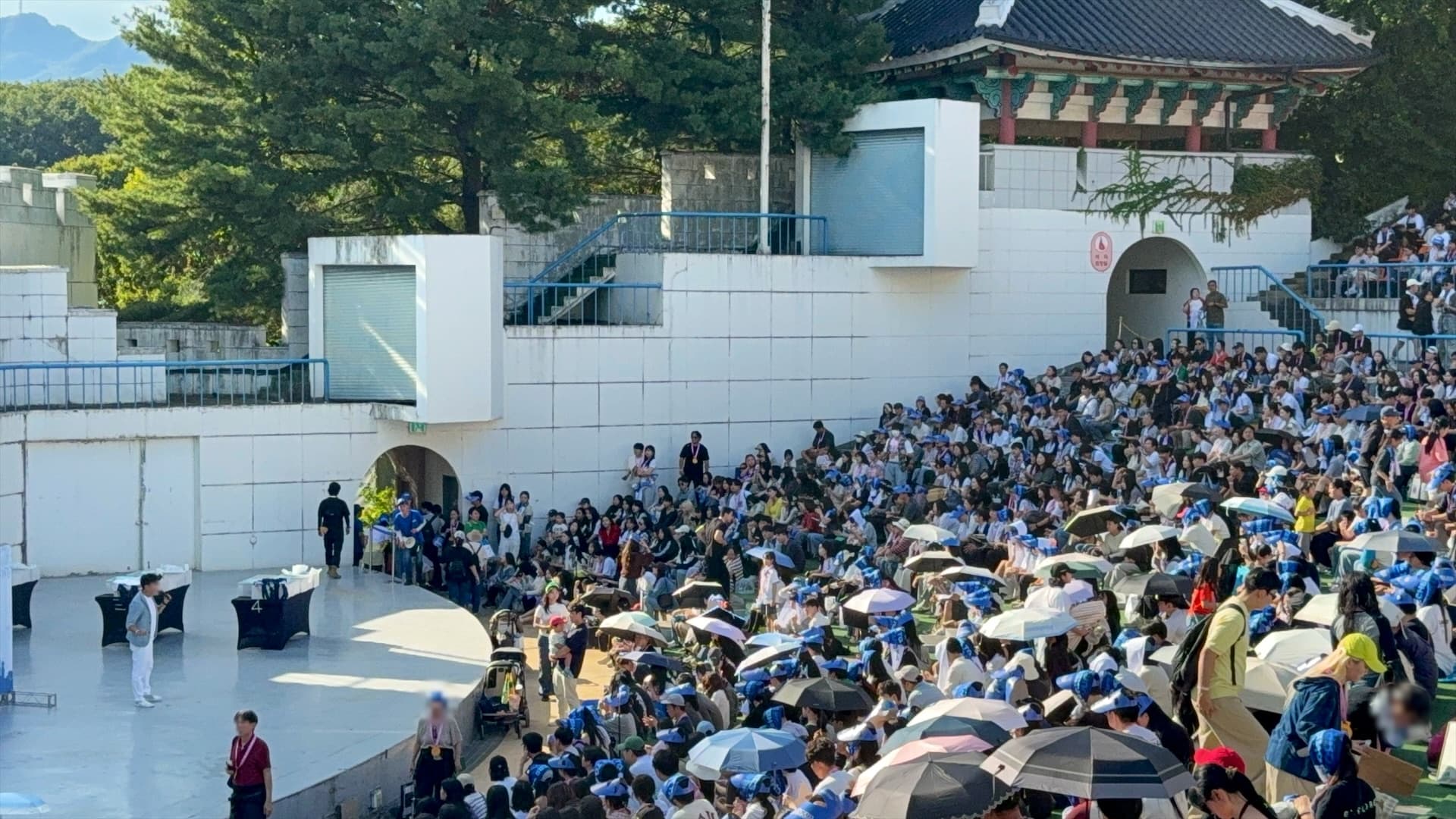
The second half was planned for around 3,000 guests, and everyone who turned up was seated. No long line formed outside the theater, entry moved group by group, and guests stayed in the park until shortly before the show. Around 3,000 describes the intended audience scale, not exact registration, delivery or entry totals, or a measurement of concurrent processing capacity.
Times shifted a few times on the day. Because the entry time and gathering deadline are editable on the screen and flow straight into the next round, a delayed program never meant rewriting the message.
Scope of work
- Guest mobile waiting web — QR entry, phone registration, consent, automatic letter-group assignment, completion screen
- Kakao AlimTalk delivery — registration confirmation and three entry rounds, SMS fallback, delivery result collection
- Operator screens — waiting status, entry notices by group, delivery history per recipient, intake and dispatch control
- On-site operation — running the sends on the day, adjusting announced times, handling failures
FAQ
Do guests need to install an app?
No. Scanning the QR code placed around the venue opens a mobile web page, and registration is done with a phone number and one required consent. There is no install and no sign-up.
How is the waiting order decided?
The system was configured to assign letter groups in registration order, with 250 per group for A–L and 215 for M–Z. Guests saw their letter rather than the internal sequence. A–Z describes the allocation settings, not actual occupancy of all 26 groups or processing capacity.
What happens if the message does not arrive?
AlimTalk messages that fail are sent again as SMS. The operator screen separates accepted, delivered, delivered by SMS, failed and still-being-checked states, and failed messages can be reprocessed on their own.
What if someone registers twice with the same number?
Each number registers once per event. A repeat registration returns the existing group assignment instead of creating a new place in line, on any device.
How were guest phone numbers handled?
Numbers are masked by default on the operator screens, and only accounts granted permission can view them in full. The distinction is made by the server-authenticated account and its permissions, never by client-side information alone.
What do we need to prepare for a similar event?
Gather the expected headcount, capacity per round, available entry window, walking distance and gathering space, and the on-site entry-check and guidance procedures. Sender-profile and template approval status, planned notice rounds and message volume, operating days and the person running sends are also conditions to review for the configuration and quote. Delivery results should be treated separately from actual arrival and entry checks.