
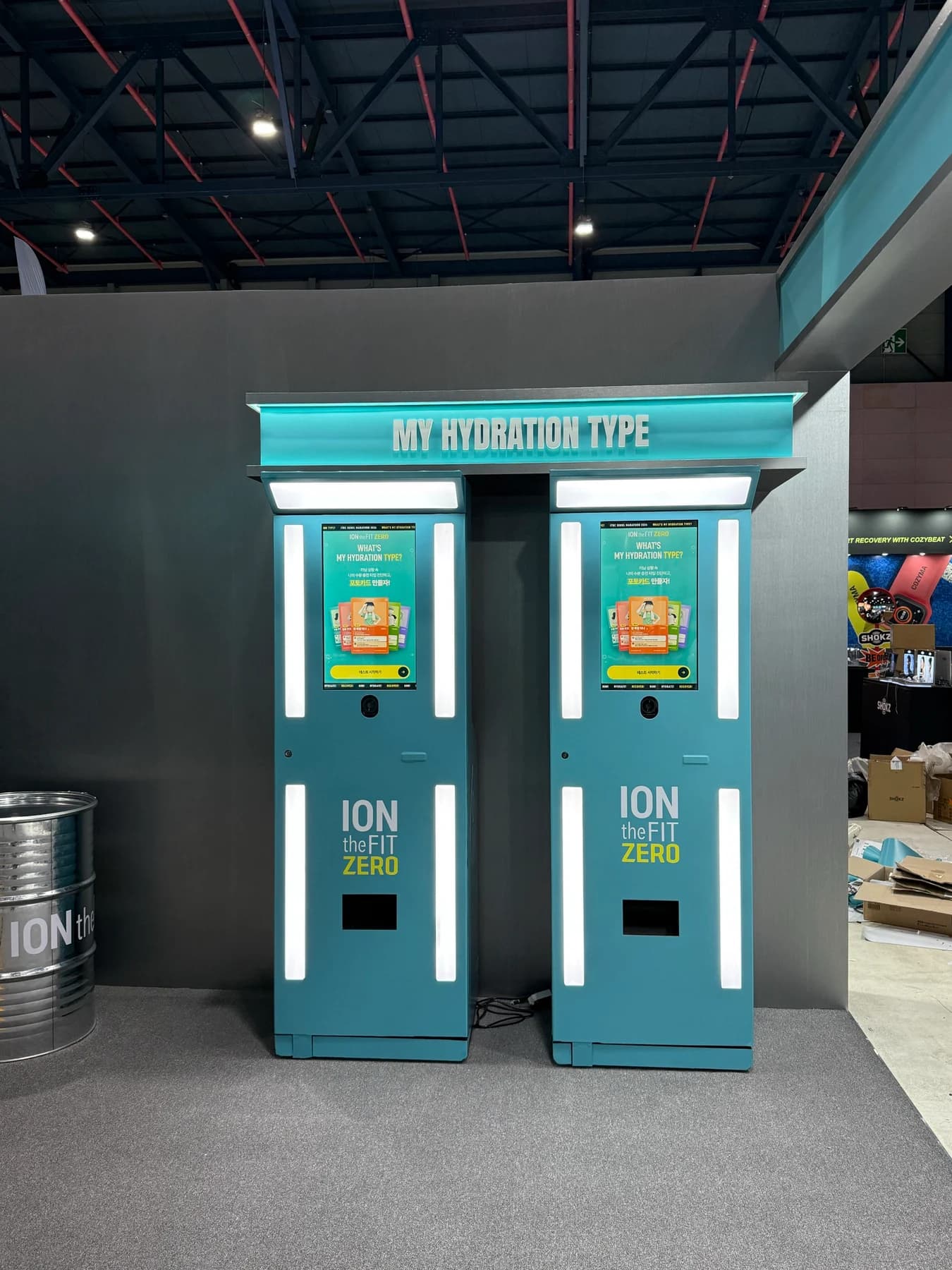
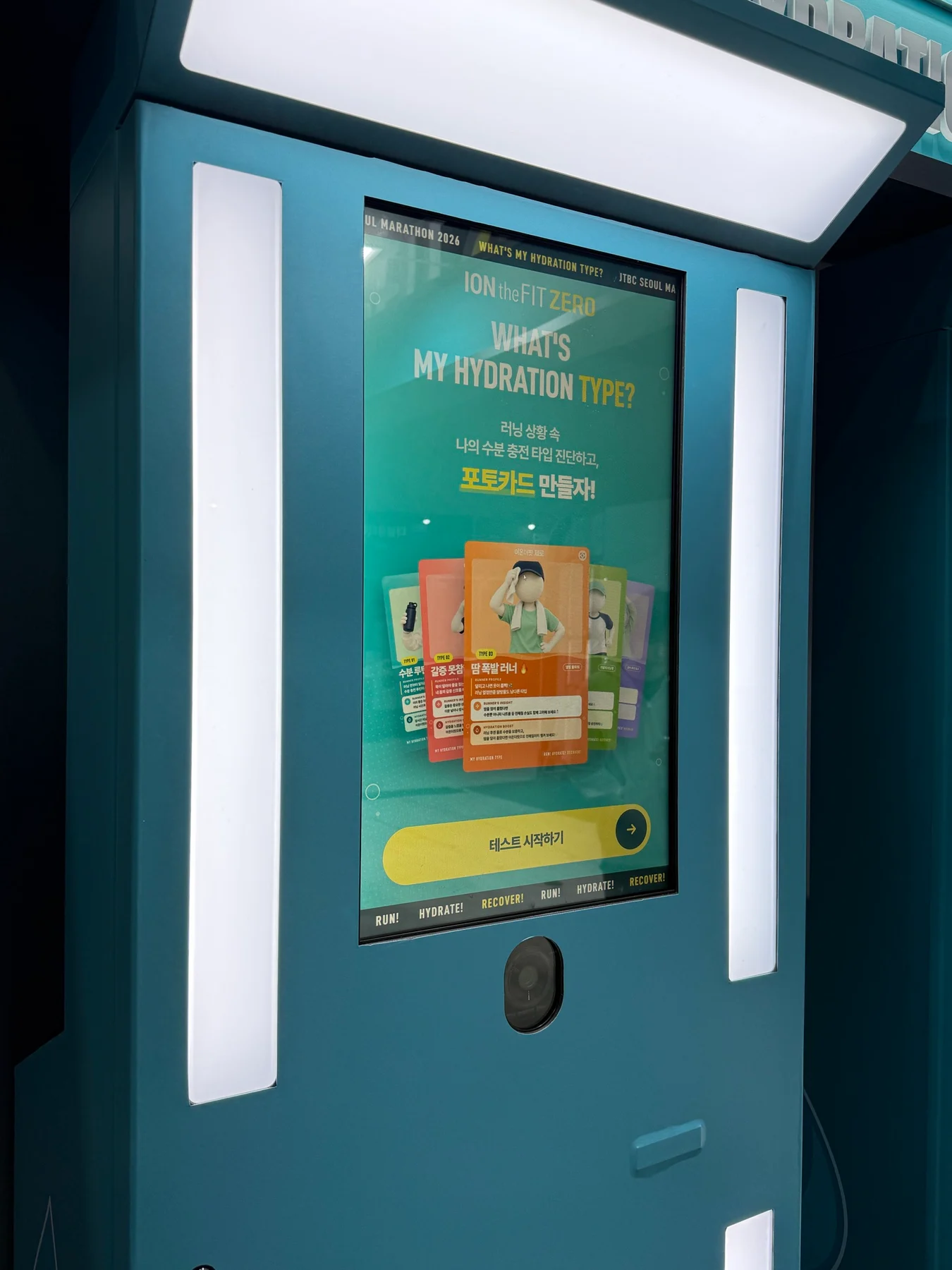
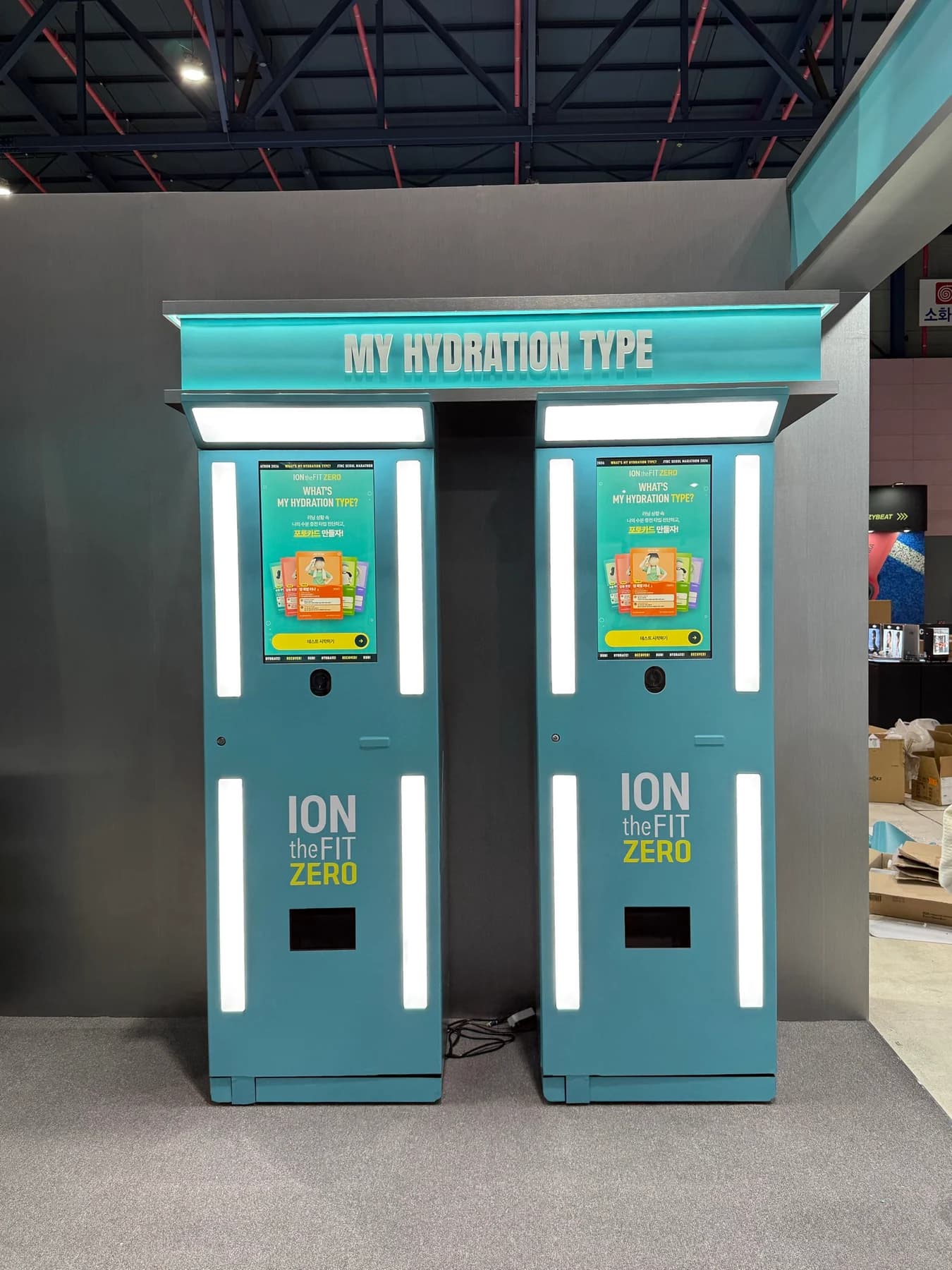
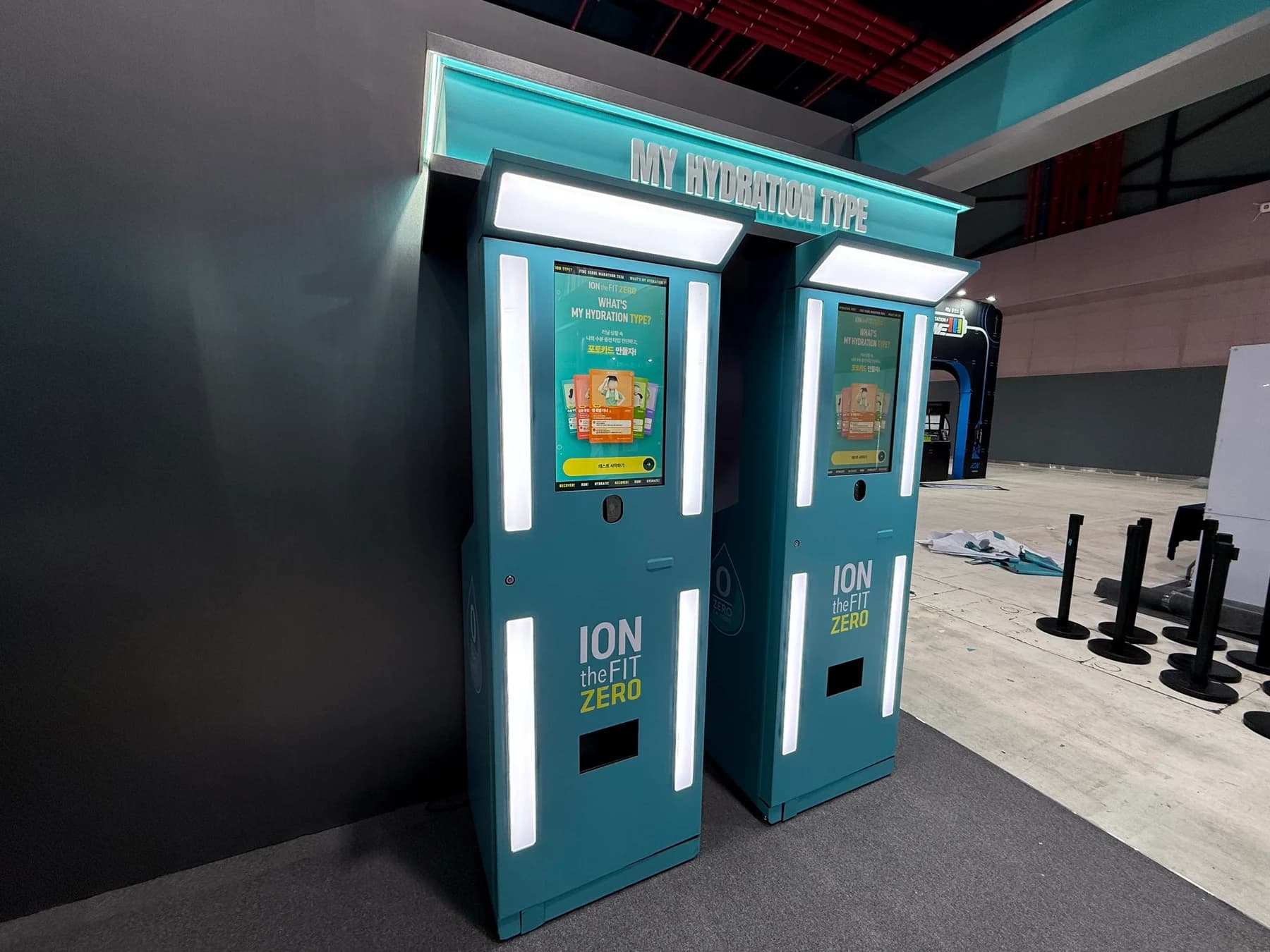
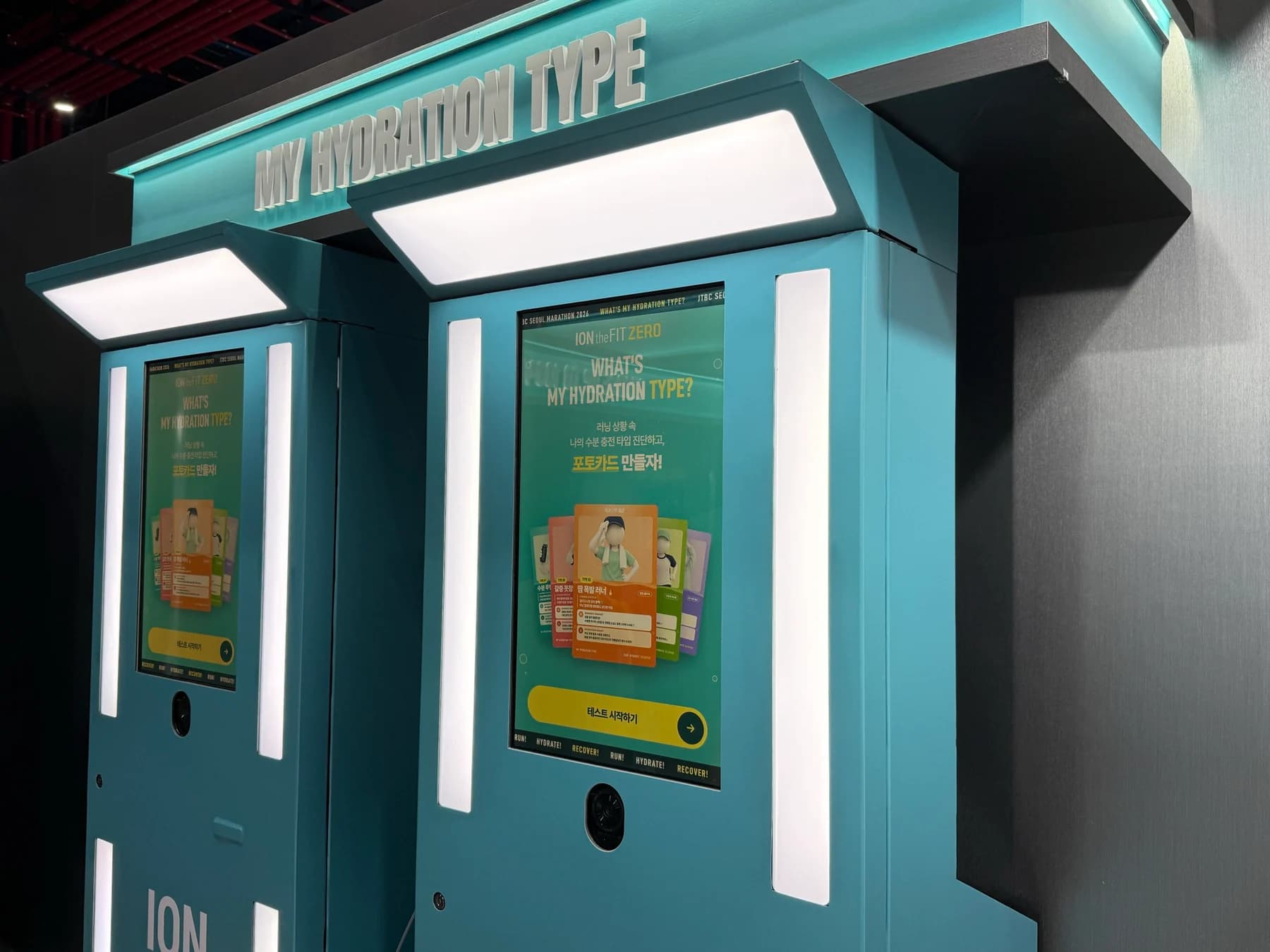
Branded wrapping and experience screens installed at the ION the FIT ZERO booth at SETEC.
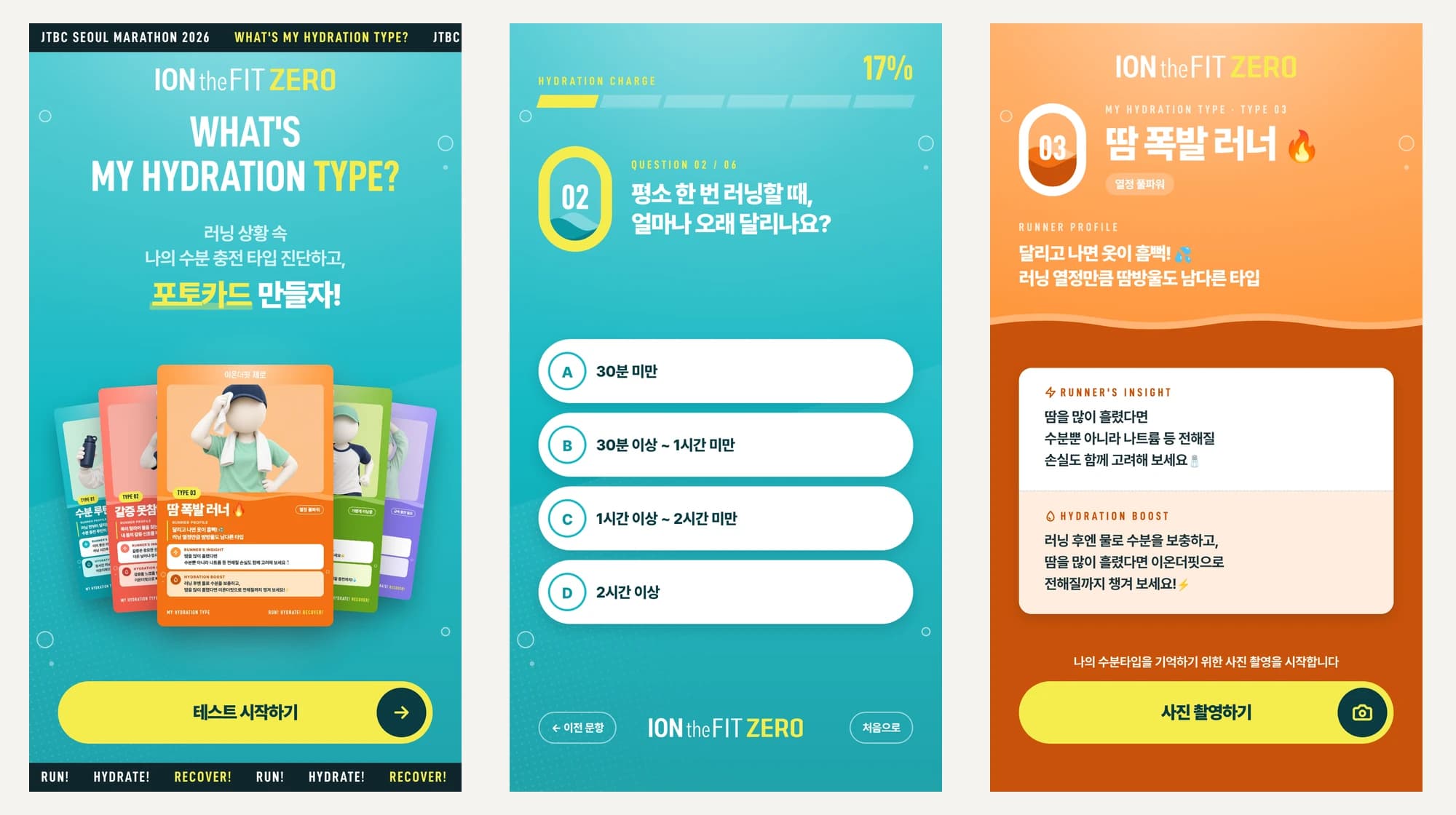
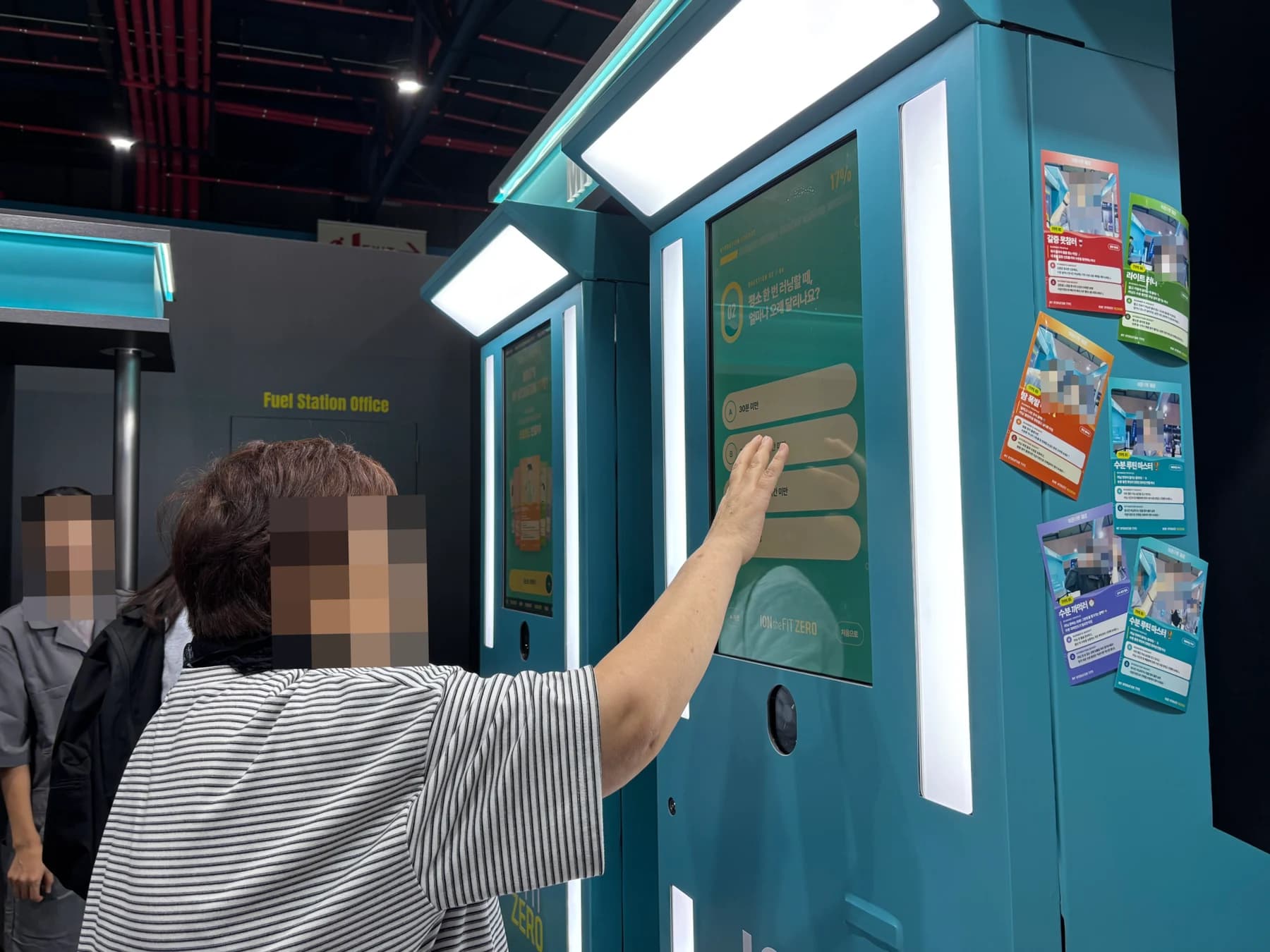
Multiple-choice questions about running habits and hydration routines.
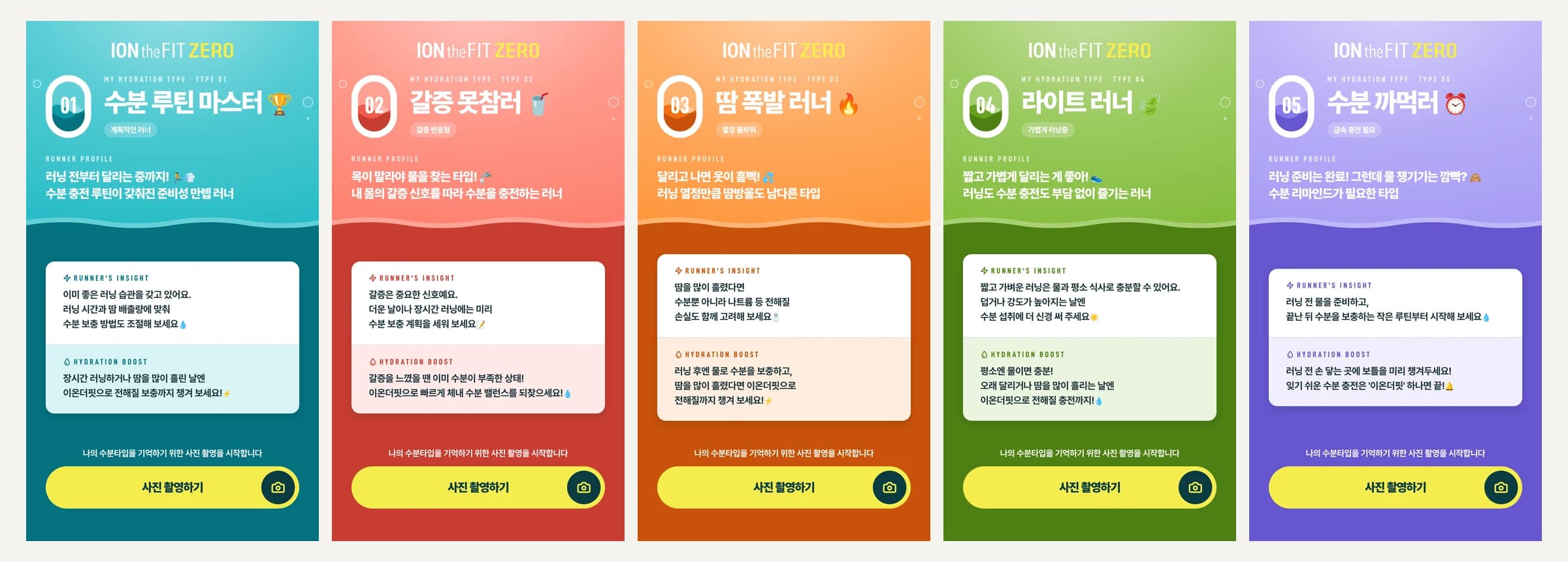
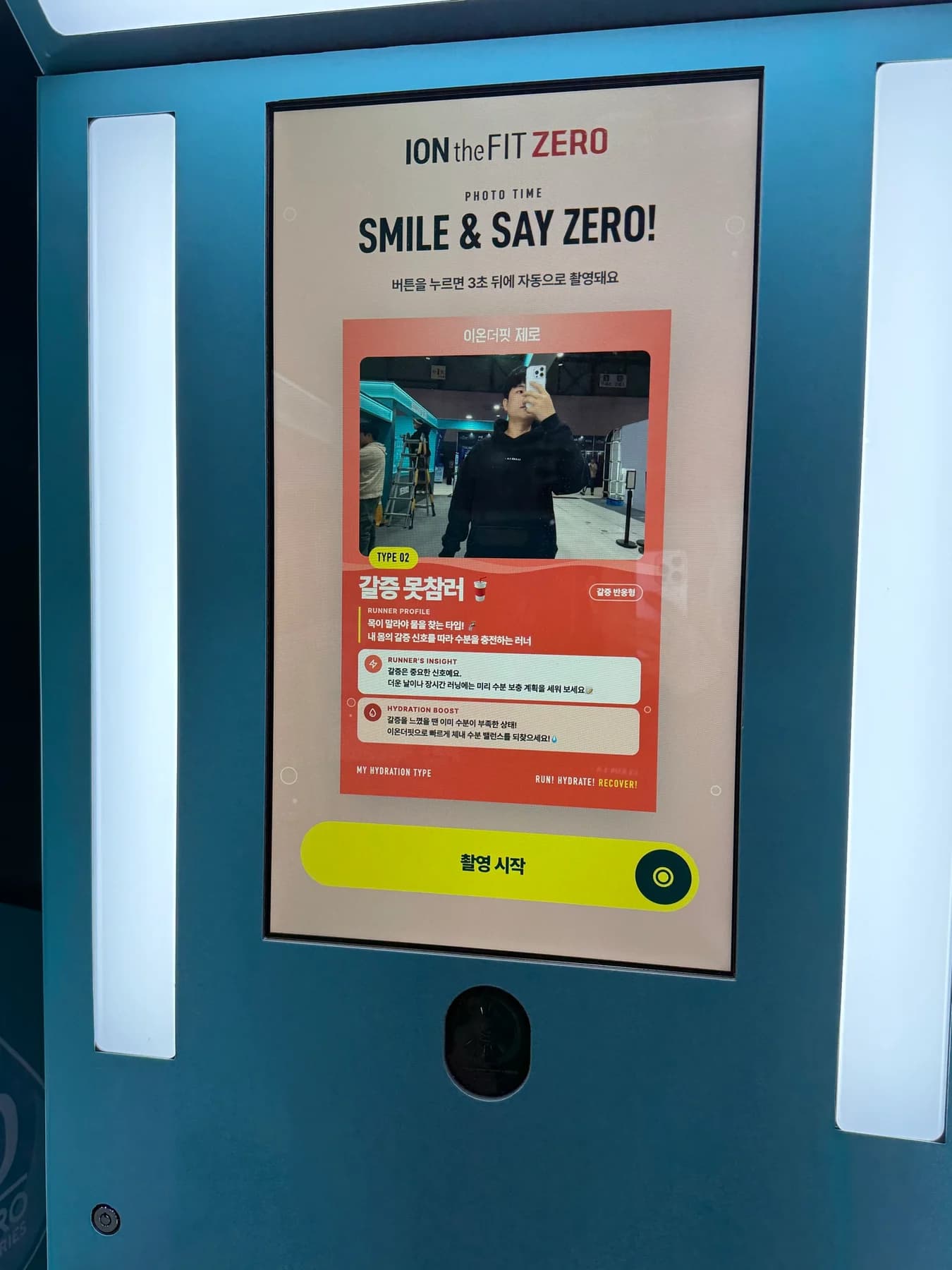
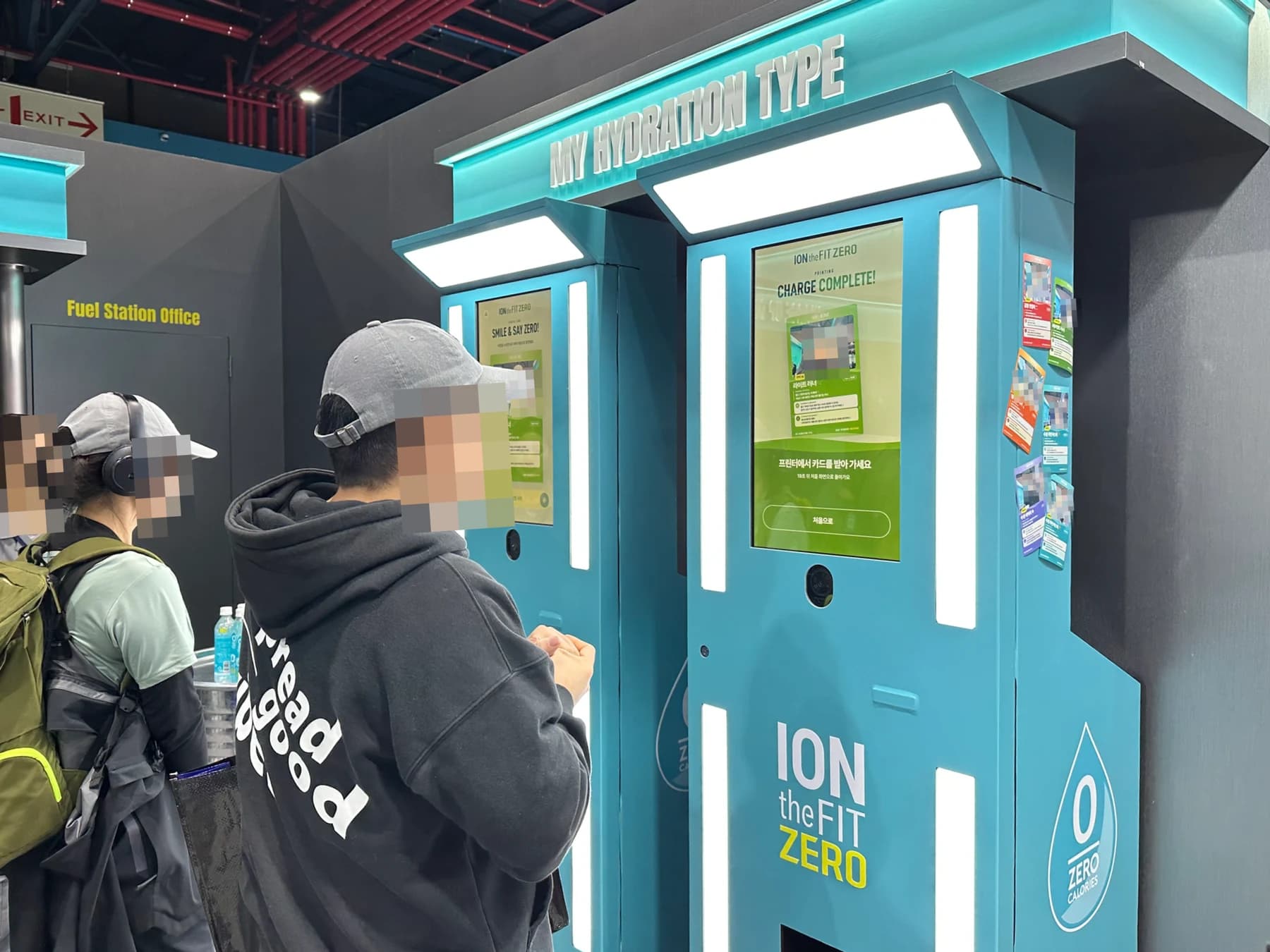
Type-specific result screens and photo-card frames that incorporate a photo.
From the experience screens to on-site installation
The brand needed a kiosk that turned running-themed content into an on-site experience and a personalized photo card.
We developed the six-question test, photo capture, card preview and print-request flow, and handled transport, branded wrapping and the setup of two kiosks.
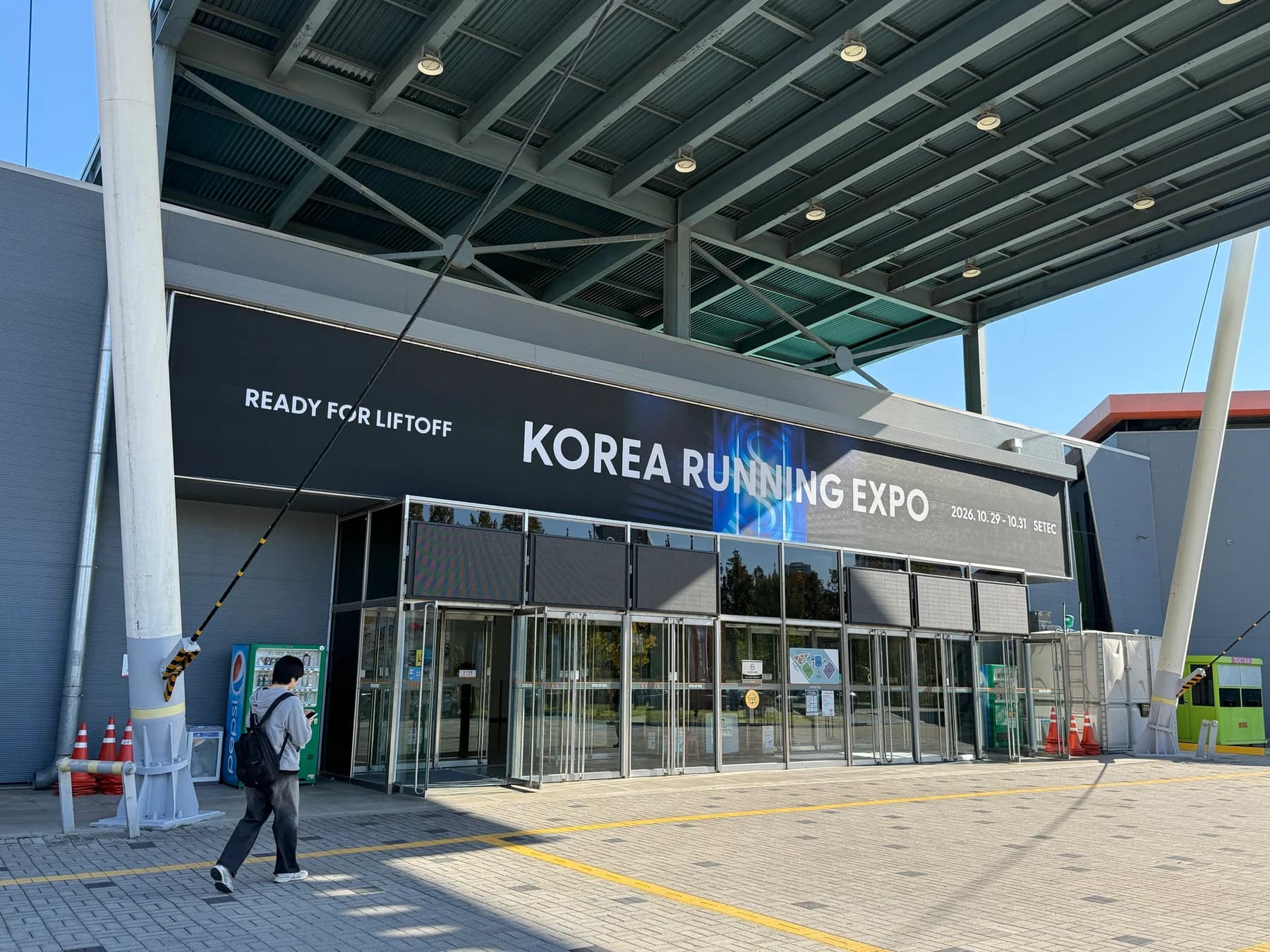
On October 28, 2026, we installed two ION the FIT ZERO kiosks at SETEC. We prepared an experience that moves from a short quiz about running habits to a photo-card print request, and handled equipment transport, on-site wrapping, and screen setup.
A participation flow for a branded space
The kiosk does more than present product information. It invites visitors to reflect on their running habits, view a result, and keep a photo memory. We connected the questions, type result, camera capture, card preview, and print request into one experience flow.
From six questions to five types
Visitors answer six questions about marathon distance, running time, hydration before, during, and after a run, and how much they sweat. Their responses lead to one of five hydration types. This is a brand experience result, not a diagnosis or assessment of health status.
The five types each use a different color and message: Hydro Keeper, Thirst Seeker, Sweat Master, Light Sprinter and Hydro Reminder.
From on-screen capture to a card preview
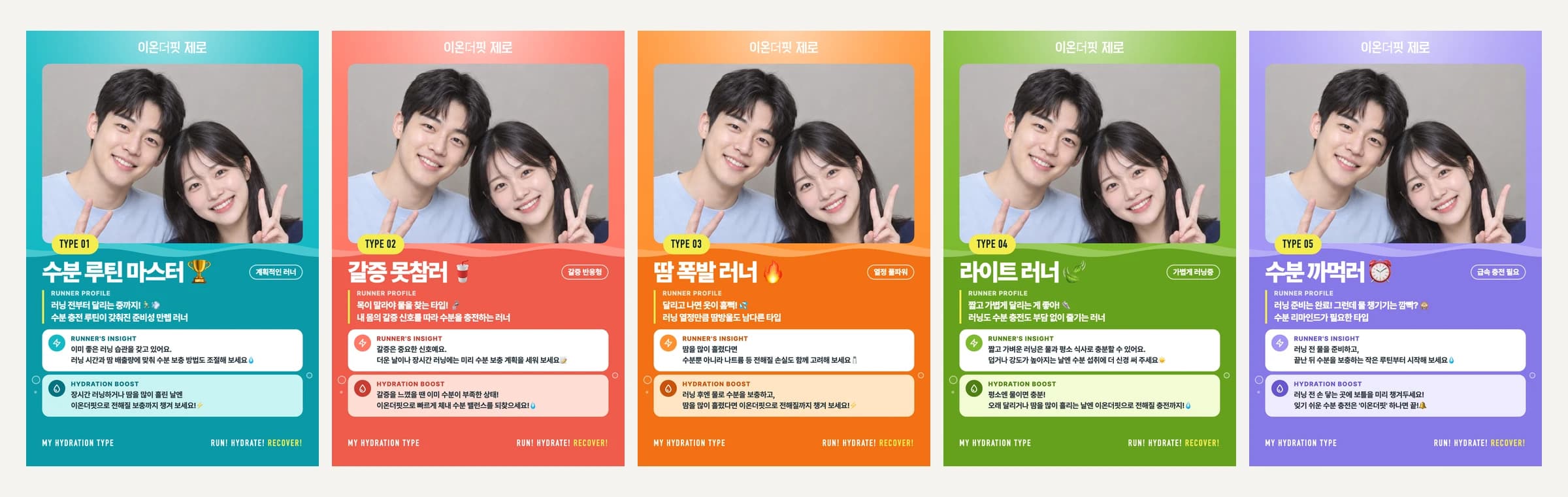
After the type result, the flow continues to webcam capture and a photo-card preview. We developed the screen flow to combine a captured photo with a type-specific frame, review the card, and request a 4×6 print.
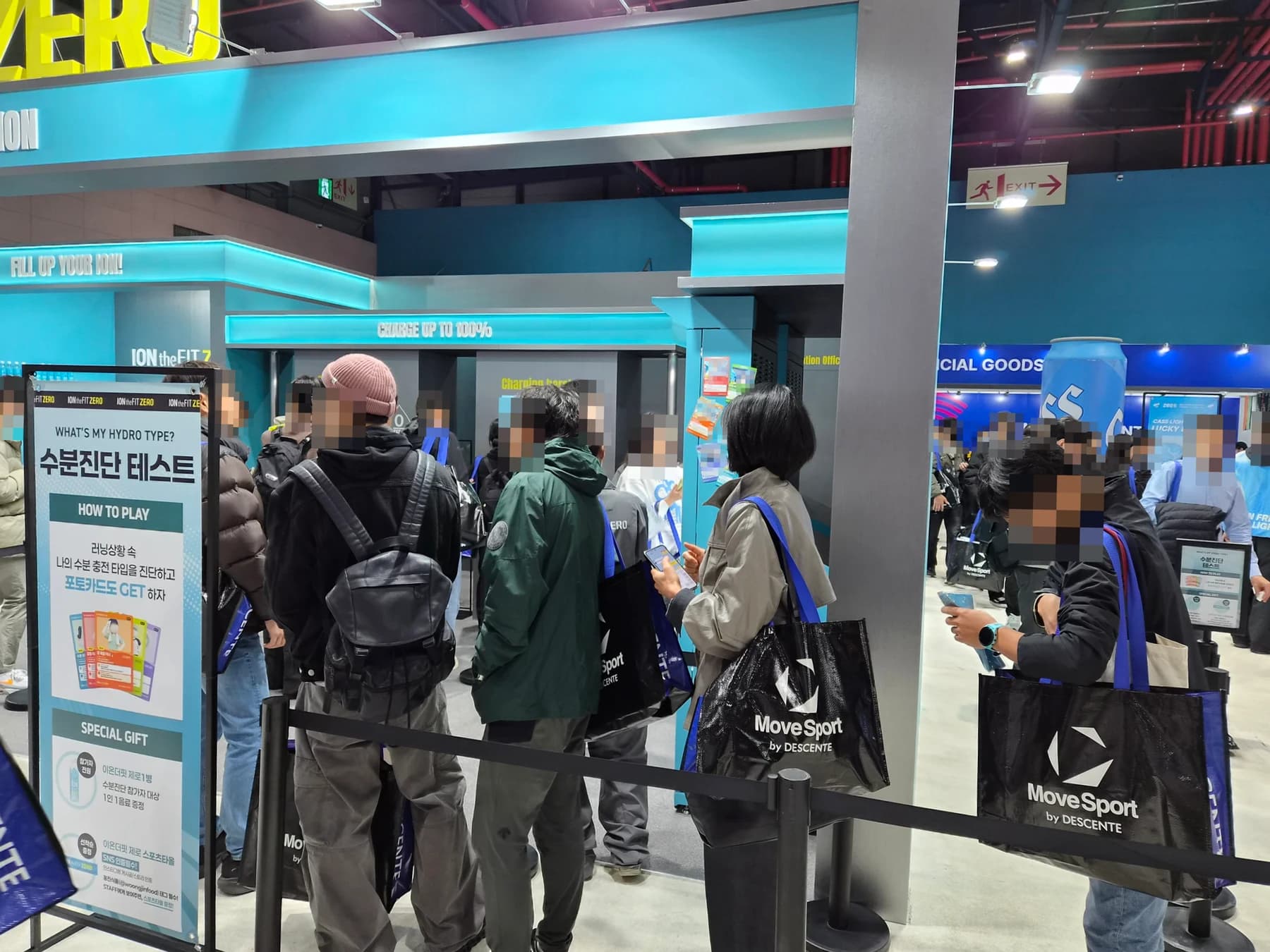
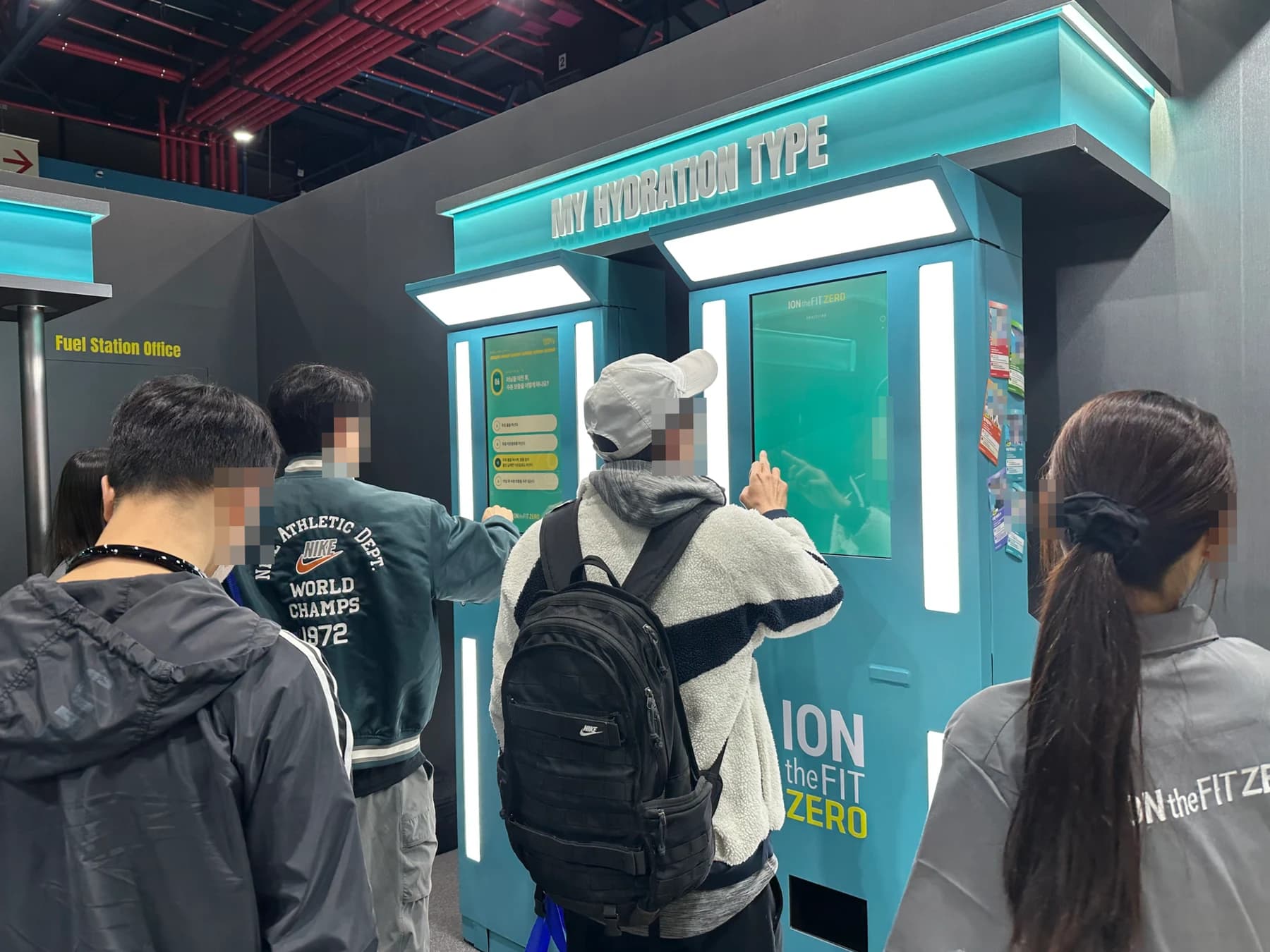
Visitors experiencing the booth
Visitors use two kiosks for a touch quiz and photo-card experience. Faces in event photos, screens, and printed sample cards are obscured to protect privacy.
Transport, on-site wrapping, and setup
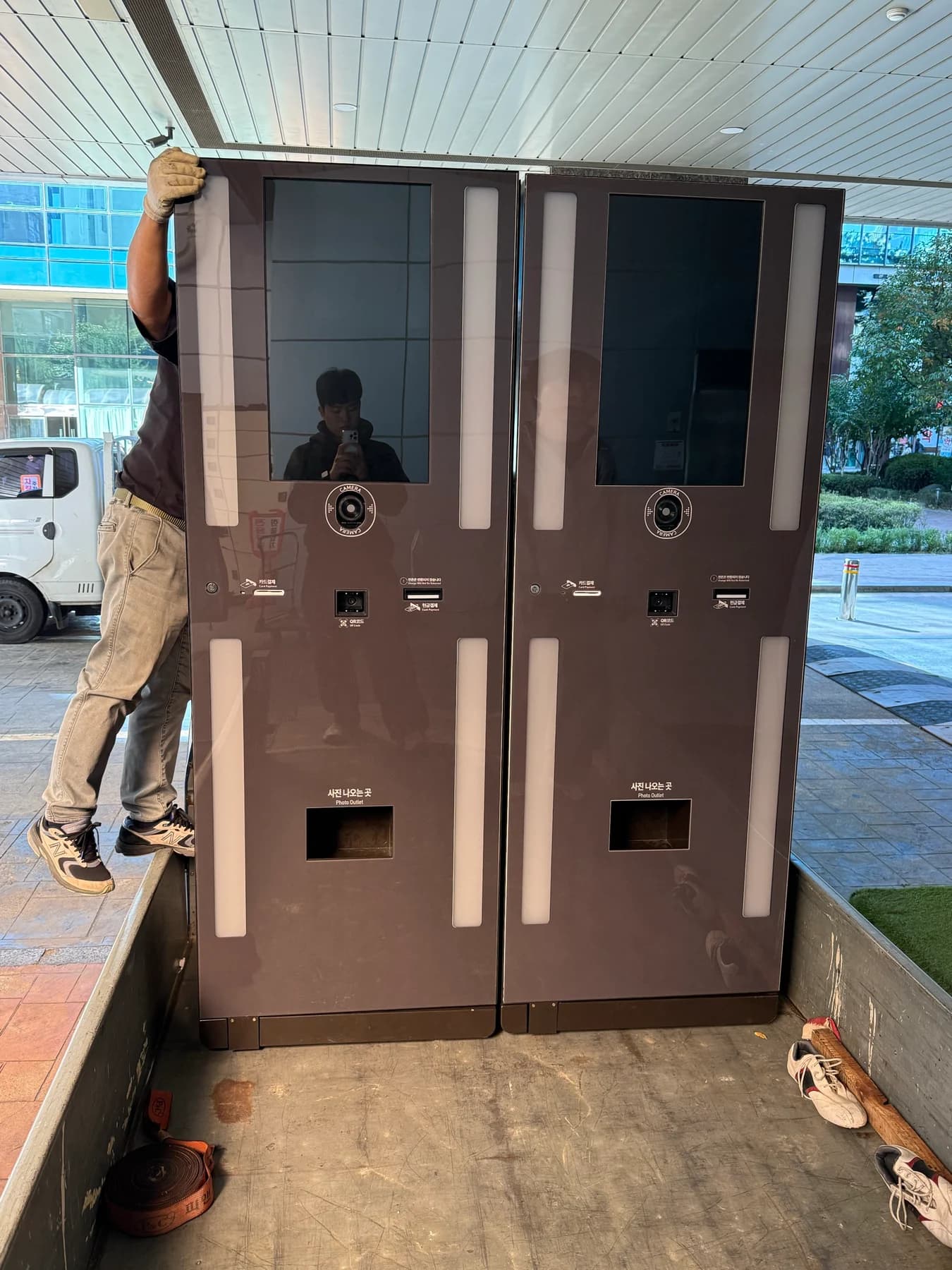
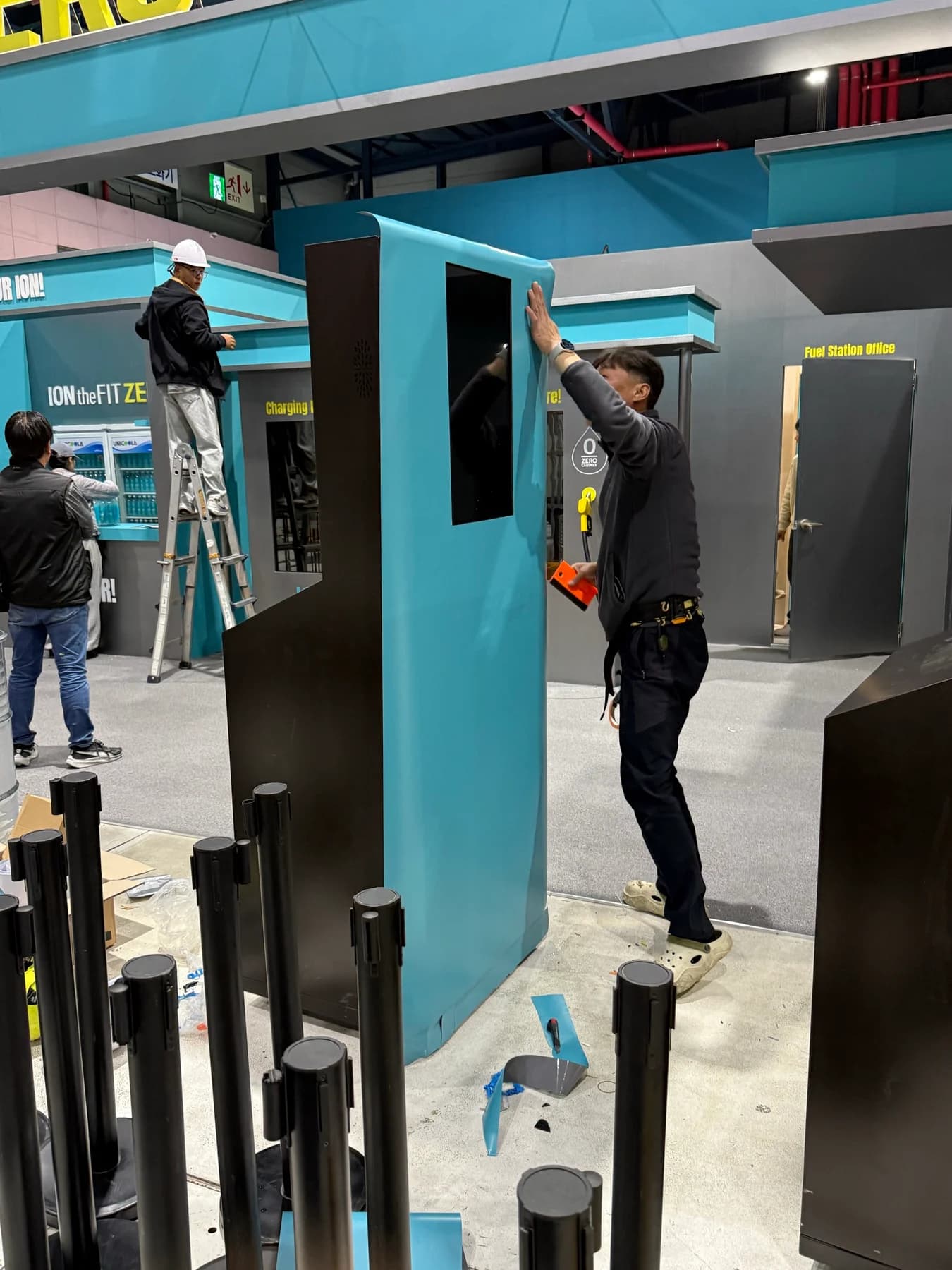
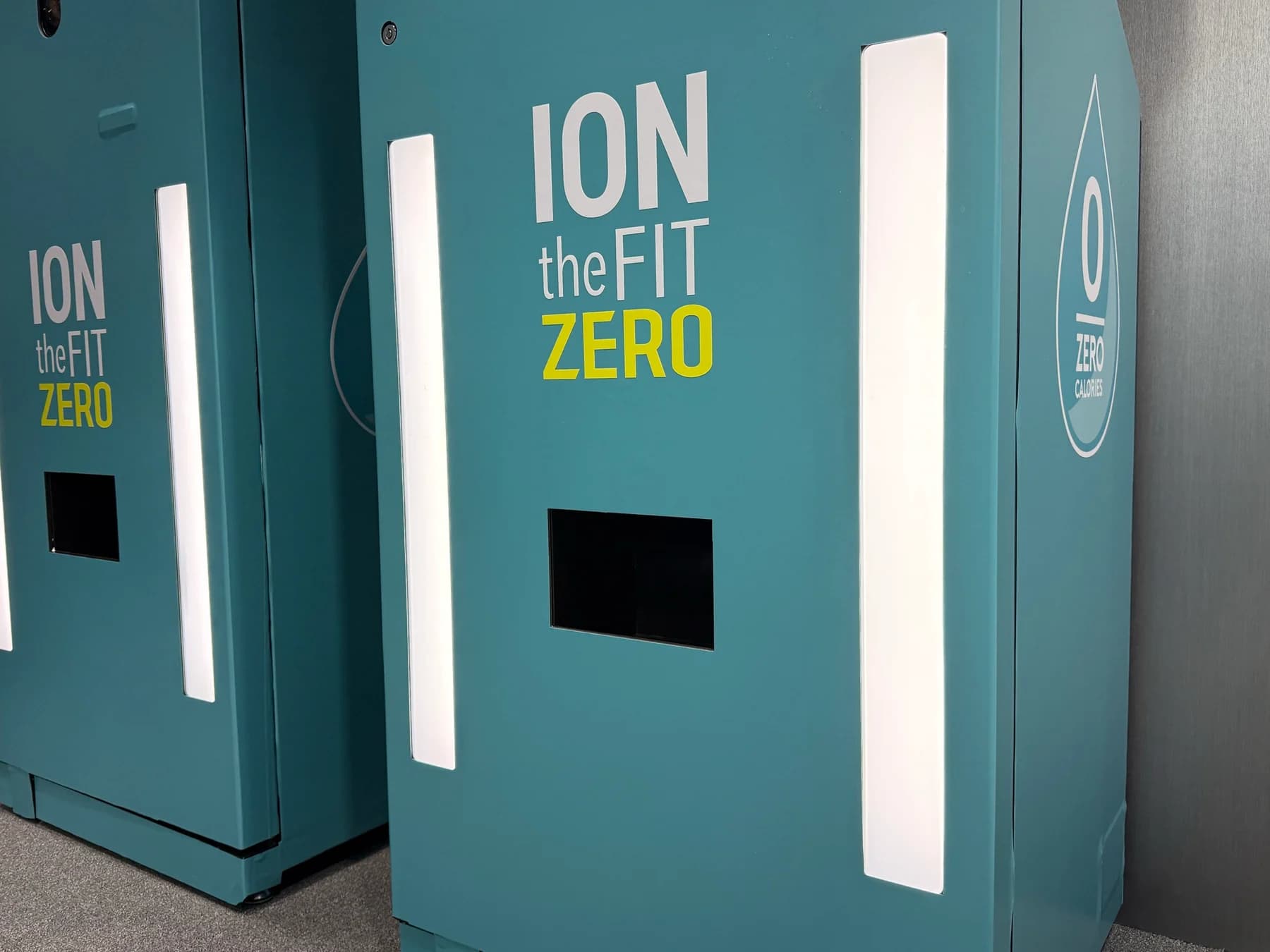
We worked through the installation in sequence, from preparing the equipment for transport to wrapping the exterior and setting up the screens on site. Branded-color wrapping was applied to both kiosks, then the installation was finished with the overhead sign, lighting, and experience screens in place.
Our scope on this project
zzzarit developed the experience software and handled transport, branded wrapping and on-site setup for two kiosks, applying the brand content to the device screens and exteriors.
- Transport and on-site setup of two kiosks at SETEC
- Branded-color wrapping on the kiosk exteriors
- Experience software connecting six responses to five type results
- Development of the webcam capture, photo-card preview, and 4×6 print-request flow
Shaping a brand experience for the venue
A kiosk for a brand event calls for more than an interaction flow. Placement, equipment transport, exterior treatment, screen setup, and print-device requirements all matter. Defining the experience and what can be checked on site helps bring software and installation planning together.
FAQ
What is the kiosk experience flow?
Visitors answer six questions about running and hydration habits, see one of five types, then move through webcam capture, a card preview, and a 4×6 photo-card print request.
Does the type result diagnose health or hydration status?
No. It is brand-participation content that shows a type based on responses. It is not a medical diagnosis or a measurement of physical condition.
How are the photo cards composed?
A photo is combined with a type-specific frame for a 4×6 card preview and a print request. The card images in this case use a sample photo to demonstrate the completed layout.
Explore related experience setups
Event experience kiosks
Built a six-question, five-type test with photo-card preview and print requests, and transported, wrapped and set up two kiosks.
View details →Yonsei Digital Healthcare Bootcamp photo booth
Another on-site case combining photo capture and instant printing.
View details →Discuss a branded kiosk experience
Define the venue, content and required on-site scope together.
View details →Get a quote from this setup
Zzzaritbot starts from what we delivered here and works out the scope with you.
View details →