
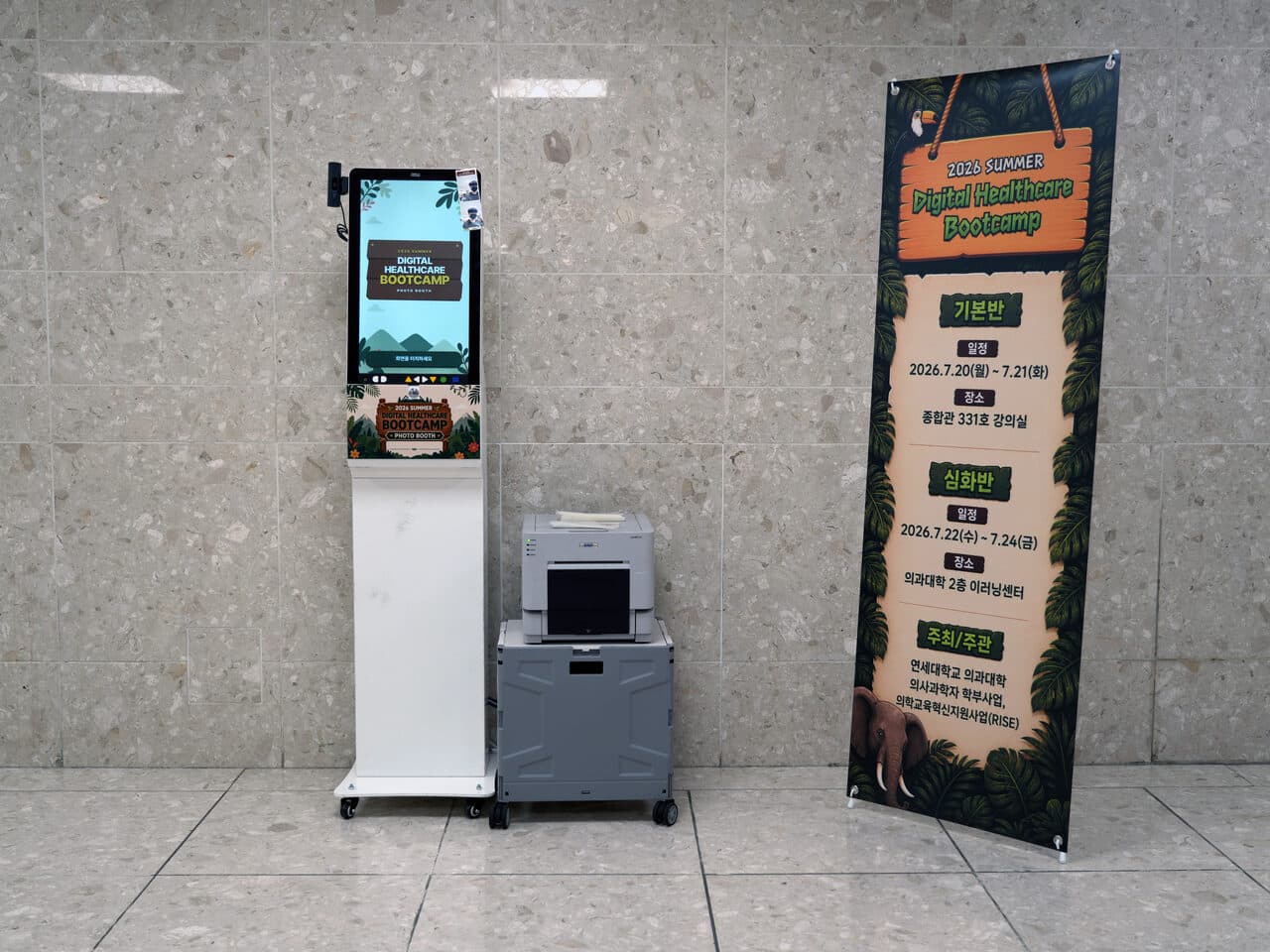
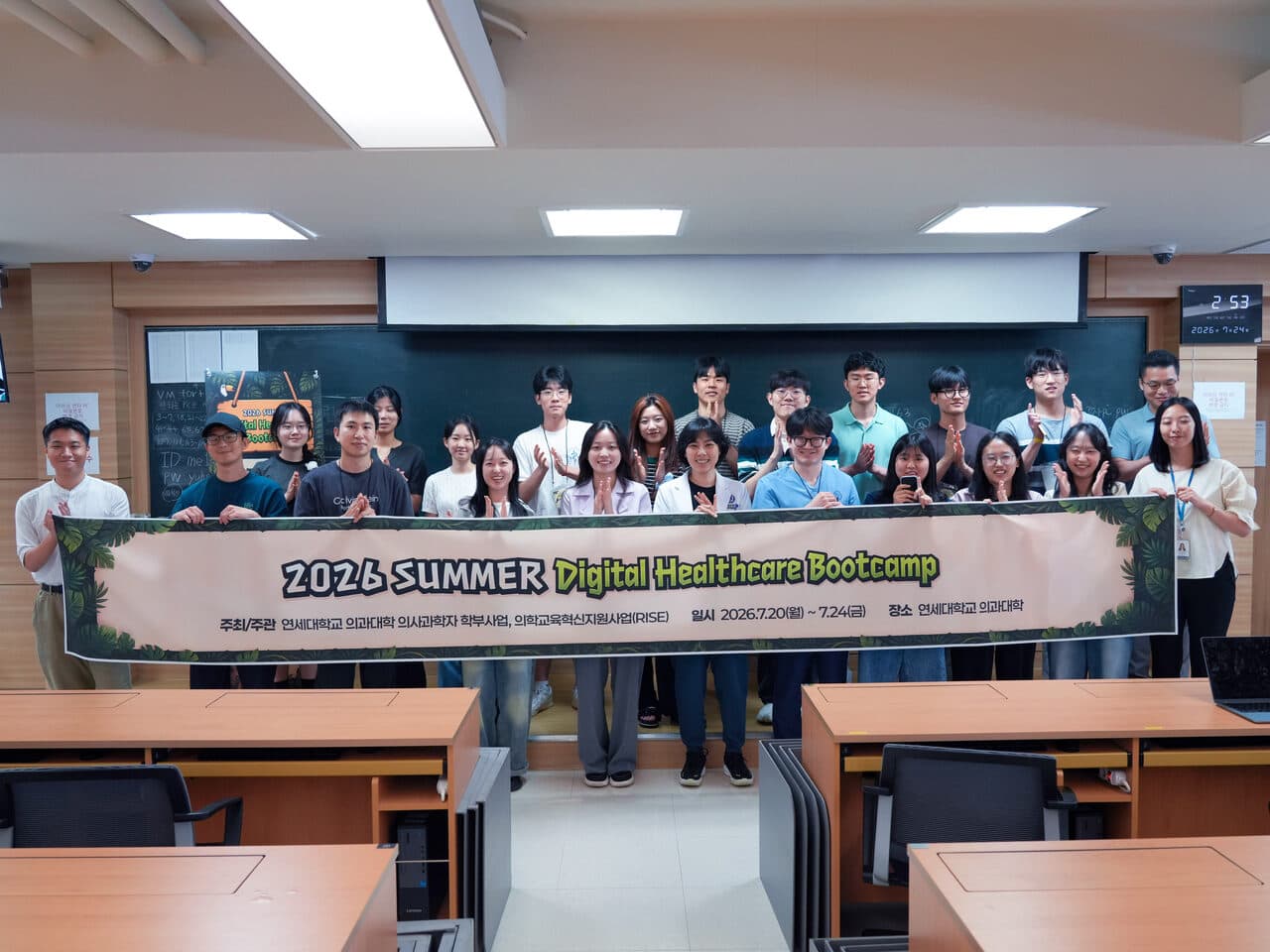
The Yonsei Digital Healthcare Bootcamp ran for five days starting July 20, 2026. Students studied R and medical AI inside the classroom. In the hallway, we installed a photo kiosk. Attendees tapped the screen, took a photo, and collected an event-branded print from the printer beside it.
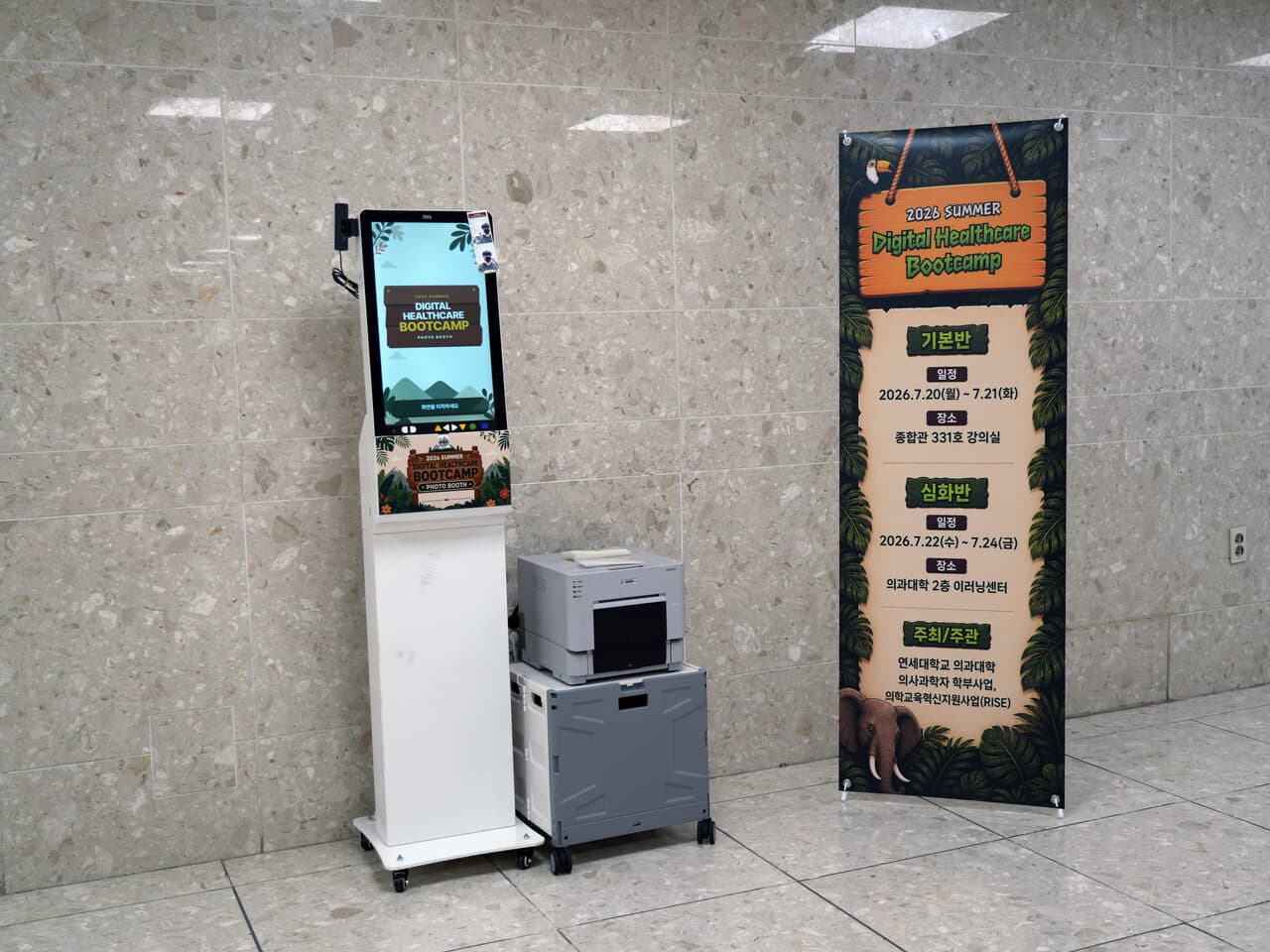
We Put the Poster Artwork on the Kiosk
The event poster used tropical plants and expedition signs. Changing only the screen would still make the kiosk look like generic rental equipment, so we also applied the artwork to the front panel and printed photo frame. We matched the colors and type so the kiosk would sit naturally beside the event banner.
Three Steps From Screen to Print
The setup was simple: one photo kiosk and one instant printer. It did not need an enclosed booth or a large backdrop wall. We only needed floor space for the two units and access to power, and attendees handled the screen themselves.
- 1Tap the screen and choose a photo frame.
- 2Stand in front of the camera and follow the prompts.
- 3Collect the finished print from the printer beside the kiosk.
A Photo Between Classes
The five-day schedule was packed with lectures, practice sessions, team projects, and presentations. During breaks, attendees could take a photo with friends or teammates. Unlike another phone photo, this one came out immediately with the bootcamp name and date printed on it.
What the project owner said
Real client feedback with its connection to this case and publication scope confirmed.
“Once a part is assigned to zzzarit, you do not have to keep worrying about it.”
FAQ
Can the photo kiosk be customized with an event key visual?
Yes. Send us the event poster or key visual, and we can adapt it for the start screen, kiosk front panel, and printed photo frame.
What is included in the zzzarit photo kiosk setup?
The standard setup includes one touch kiosk with a camera and one instant printer. Attendees operate the screen, take the photo, and receive the print on the spot.
Does the setup require a box booth or backdrop wall?
No. The standard setup is an open kiosk that fits in a small area. A backdrop wall can be added when the event calls for one.
Does the photo kiosk need a dedicated operator?
No dedicated photographer is required because attendees use the kiosk themselves. zzzarit handles installation and instructions. When we also manage the event, our on-site staff monitor the equipment.
What event used this photo kiosk?
It was installed for the Yonsei Digital Healthcare Bootcamp held July 20–24, 2026, a five-day program spanning fundamental and advanced tracks, four medical AI team projects, and final presentations.