
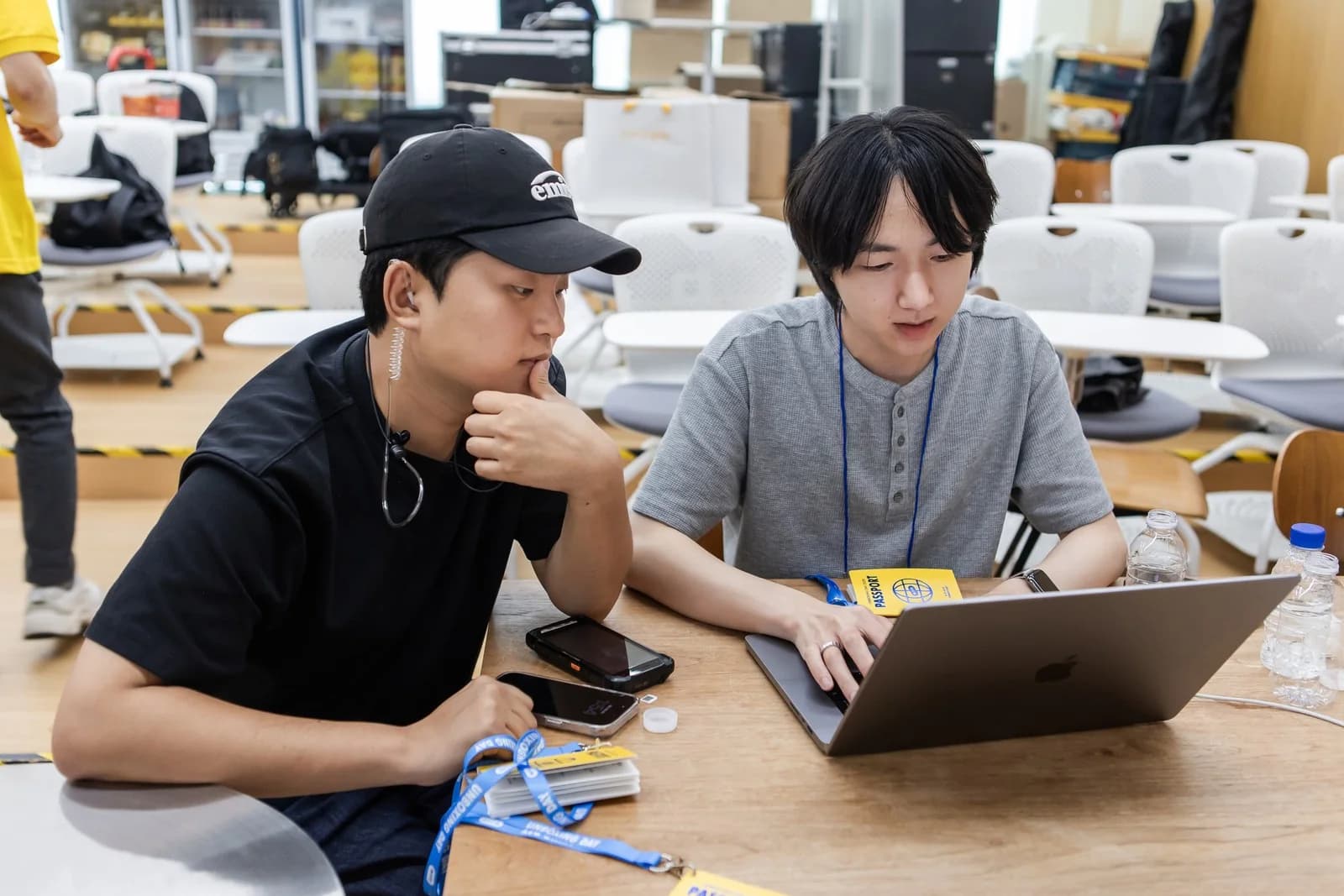
We opened our laptops on a table at the event site. Beside us, we checked the on-site situation; on screen, we watched the service participants were using.
Three zzzarit developers joined Kakao Pay Unboxing Day 2026. Even after developing QR check-in and NFC name badges, experience reservations and PDA calling, and a quiz kiosk, there was work to do on site.
Software working according to its defined functions and people understanding and using those functions on site require separate verification.
A Team That Does Not Need the On-site Words Explained Again
zzzarit was founded by people with event-agency backgrounds and developers.
When someone says on site, "People find this guidance confusing," the task is not only to pass along one sentence. We need to understand the situation in which participants read that line, what they were trying to do when they stopped, and what the operators were guiding them through.
At this event, the development team checked that context directly. We could reduce the steps of separately explaining the on-site situation, organizing it into a development request, and passing it along again.
It was not that planning was unnecessary. Understanding the site and deciding what to change, and implementing it, continued within the same team.
On Every Floor, We Checked Reactions Beyond the Screen
We placed people on every floor of the venue. We checked which screens confused participants and staff and which guidance they asked about again.
In the system, we reviewed check-in status, notification records, and the reservation and entry flow together. This was to compare what the records showed with what was actually happening on site.
One example was changing ‘Reservation unavailable’ to ‘Reservations closed.’
Both expressions mean that a reservation cannot be made now, but they communicate different reasons. ‘Reservation unavailable’ can read like an eligibility condition or system issue, while ‘Reservations closed’ communicates that the places are full.
We confirmed that this request had been reflected about 22 minutes later. Without changing the existing backend logic, we revised the frontend guidance participants read to match on-site feedback.
When Planned Capacity and Actual Operating Speed Differed
Expected throughput before an event does not necessarily stay the same on site.
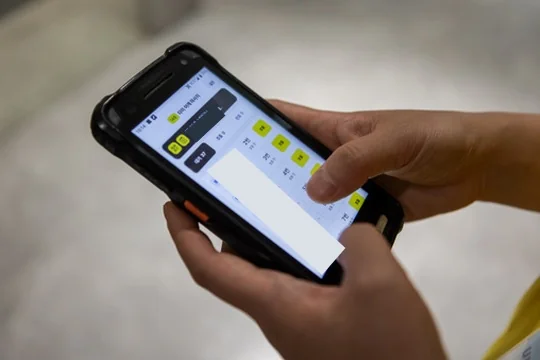
Even if we prepared for 40 teams per hour, if the actual number we could receive was 30 teams, we needed to be able to reflect that difference during operations. When the on-site processing speed changes, keeping only the capacity first set by the system makes it difficult to respond.
zzzarit developed a capacity-control tool on site and gave it to the person in charge.
The important point is that this did not end with a developer changing a number once. We made it possible for the person in charge to adjust it directly to match the actual operating situation.
The development team made the tool and connected roles so the person operating the site could make decisions with it.
Turning Data for the Final Report Into a Shared On-site Screen
‘How many have arrived now?’ ‘How many are waiting at each booth?’
During operations, these questions need answers now.
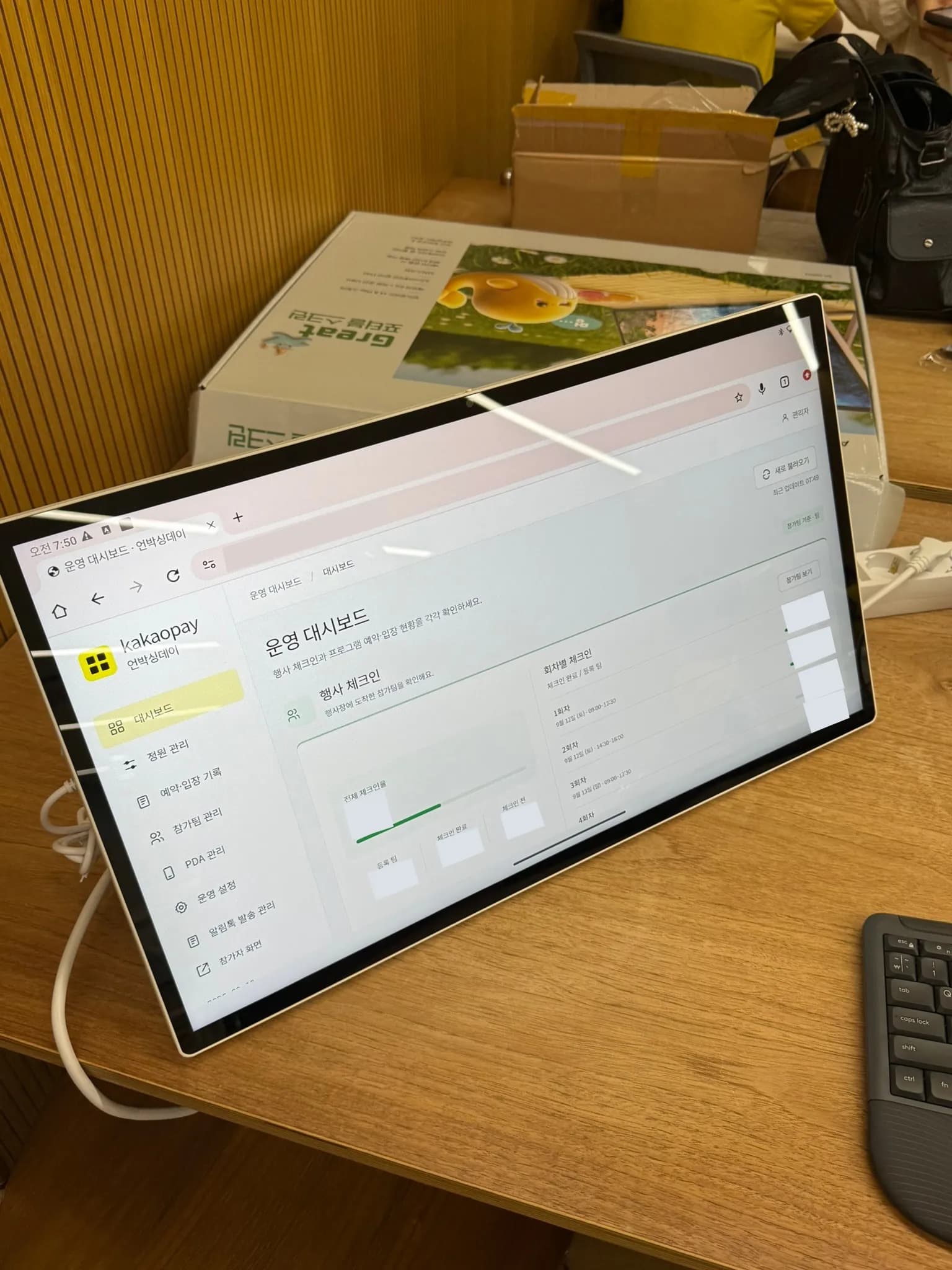
zzzarit developed a dashboard on site for checking arrival and waiting status and booth operations, then displayed it on one screen. The configuration let the client and operations team share information while looking at the same screen.
What changed was not only when we checked the data.
Data organized after an event becomes material for reviewing the result. When the same information is checked during the event, it can be used to understand the current situation and decide the next response.
The dashboard showed results, but it was also a shared screen for making judgments together on site.
What It Means for Developers to Be On Site
The key to this on-site response was not simply that developers were sitting nearby.
We directly checked participants’ confusion, changed the needed wording, enabled operators to adjust capacity to match actual throughput, and made the current status visible to everyone.
This response was possible because understanding on-site problems and changing the software were not separate tasks.
At zzzarit, people who understand event operations make software, and the people who made that software check its actual use on site.
Not stopping at delivering a screen, but making it possible to operate the site with that screen. This is how zzzarit worked at this Kakao Pay Unboxing Day.
What the project owner said
Real client feedback with its connection to this case and publication scope confirmed.
“I thought they would come as staff, set things up and be done. Instead they stayed on site the whole time, worked in what the client said along the way, and kept raising the quality to the very end. It cost about the same as bringing in part-time staff, but there were no errors, so we will work with them again.”